
Your subscriptions
Type what you pay and how often. Not sure of a date? Leave it blank.
What they cost you
Coming up in the next 30 days
By category, per month
A guide, not financial advice. The totals come from what you type. Your list is saved in this browser on this device only.
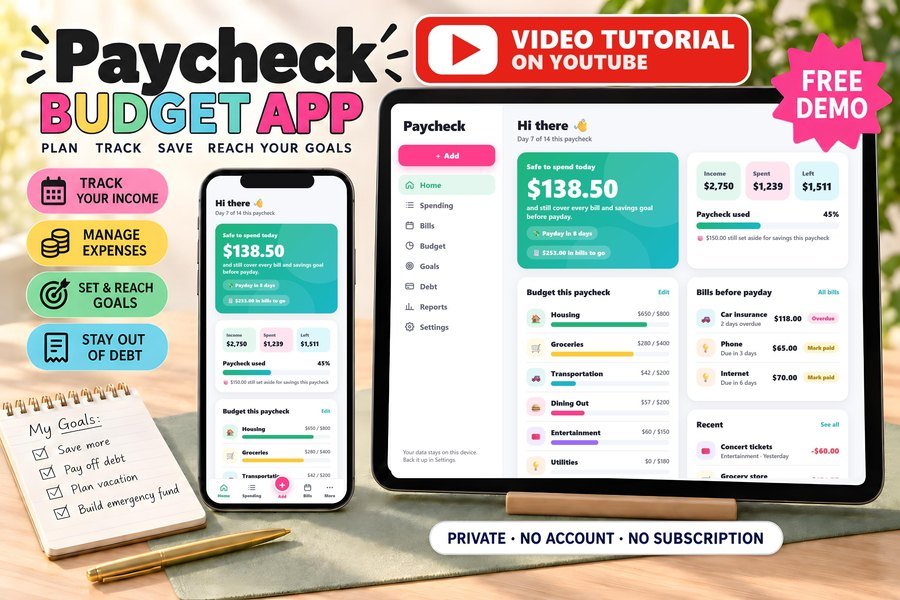
Paycheck Budget App: bills and subscriptions come first, then you see what is safe to spend
Your take-home pay minus every bill due before payday, on your phone, tablet or computer.
20% off orders $20+ on Etsy with code SMARTTOOLS20, through Nov 30.
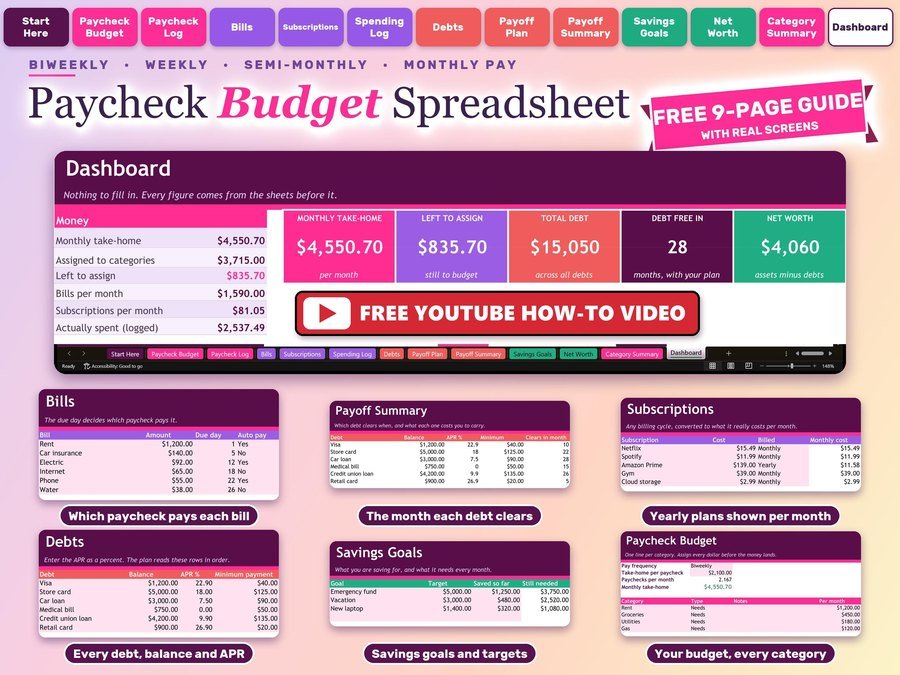
Paycheck Budget Spreadsheet for Excel and Google Sheets
Plan every paycheck, every bill and your debt payoff in one file that does the math for you.
20% off orders $20+ on Etsy with code SMARTTOOLS20, through Nov 30.
Rent & Bills Calculator
How much rent you can afford, what is left after every bill, and rent split with roommates to the cent. Plus a free printable bills tracker.
How do I find all my subscriptions?
Look through the last two or three months of your bank and card statements, the subscriptions list in your phone's app store settings, and your email for receipts and renewal notices. Add each one here as you find it.
How is the monthly cost worked out?
A yearly plan counts as its price divided by 12, every 3 months as its price divided by 3, every 6 months as its price divided by 6, and weekly as its price times 52 divided by 12. The yearly total adds up every plan for a full year.
Is my list saved?
Yes, in this browser on this device only. We never see your list. The only thing we keep is the email you sign up with, so we can send you free tools and spreadsheet deals. Unsubscribe anytime.
Which subscriptions should I cancel?
Good places to start: ones you have not used in the last month, two that do the same job, and free trials that turned into paid plans. Mark them Cancel to see what you would save before you decide.
Can I use my list in Excel or Google Sheets?
Yes. Tap Download for Excel or Google Sheets and you get a file that opens in both, with each subscription, its monthly and yearly cost, and the totals.
What about plans I pay once a year?
Type the yearly price and pick Yearly. Add the renewal date as the next charge and it shows up in your next 30 days list when the renewal gets close.