
Phone buzzers
Guests scan the code on the TV and their phone turns into a big BUZZ button. The first one to tap wins and everyone else locks out.
A survey game show for your TV
A survey-style party game show that runs on your TV, where every guest's phone is the buzzer. No app, no sign-up, no download.
$10.99 one time, buy direct
Instant download: your private game link and the free 7-page how-to PDF guide, right after you pay.
Buy on Etsy · $12.9935% off on Etsy: code SAVE35
Guests scan the code on the TV and their phone turns into a big BUZZ button. The first one to tap wins and everyone else locks out.
Family-friendly survey questions, each with 5 or 6 ranked answers, and room for 8 when you write your own.
Click a tile or press 1 to 8 to flip an answer, a big red X for strikes, and steals after three strikes.
The game keeps score, with double and triple point rounds late in the game.
25 and 30 second clocks, 5 quick questions and 200 points to win.
Fanfare, flashing lights and confetti for the winning team.
Game-show music and sound effects, with a music on/off button.
Change any of the 100 rounds or build your own packs for a family reunion, birthday or office party, and save a backup file.
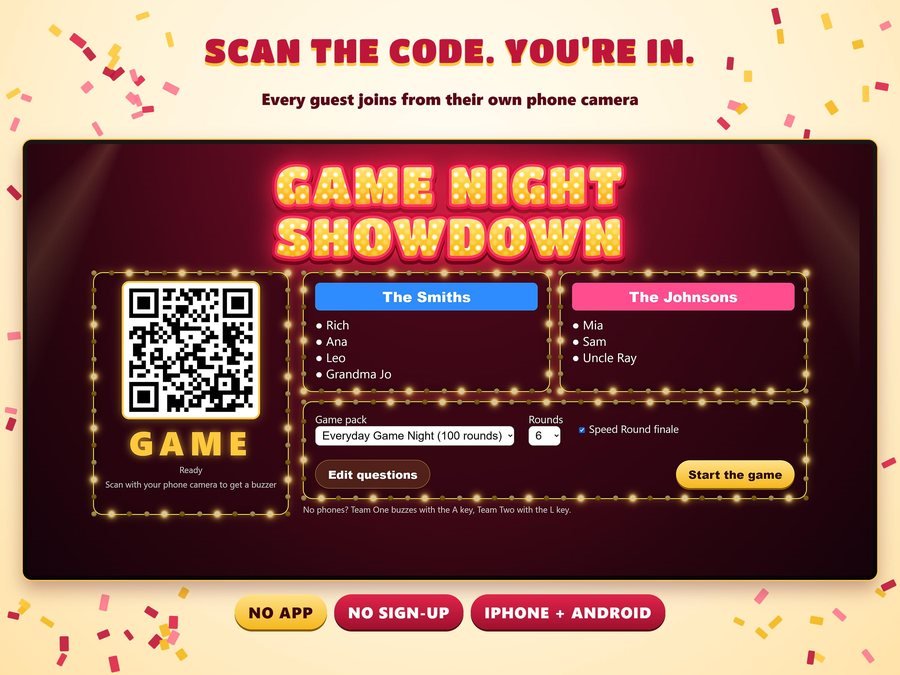
They scan the code on the TV, type their name and pick a team.

When the question pops up, the first phone to tap wins.
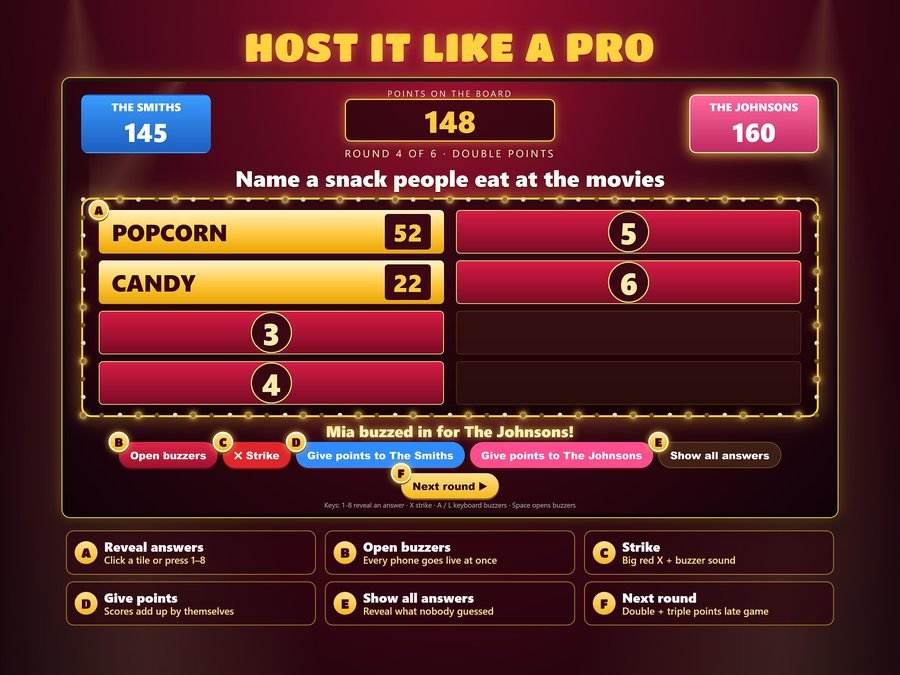
Reveal answers, give strikes and award points. The game keeps score.
The 3-minute how-to video.
Plus the free 7-page how-to PDF guide comes with your purchase.
Game Night Showdown doesn't have reviews yet.
Our Etsy shop has 150 reviews with a 4.8-star average.
Read all our reviews on Etsy →No. They scan the code on the TV with their phone camera. No app, no sign-up, no download.
100 ready-to-play rounds. Each game lets you choose 4, 5, 6, 8, 10 or 12 rounds.
Yes. Change any of the 100 rounds or build your own packs, and save a backup file.
The A and L keys on the keyboard work as buzzers.
Open your game link on a computer connected to your TV or projector with an HDMI cable, Chromecast, AirPlay or Windows Cast.
Yes. All 100 rounds are family-friendly survey questions.
Buy direct and you land on your download page right after you pay, with your private game link and the free how-to PDF guide. On Etsy, open Purchases in a web browser and click Download Files.
Yes. Watch the 3-minute how-to video on this page to see how it plays.
Party games and planning for your next get-together.
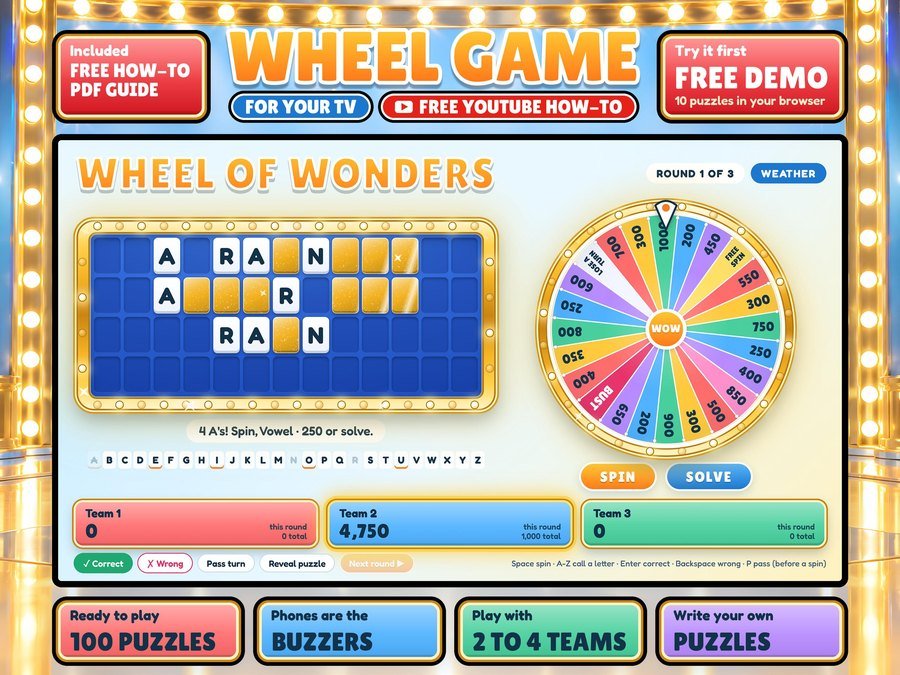
Spin-the-wheel word game show for your TV, phones are the buzzers
Buy direct · $12.99or on Etsy · $14.99See it on Smart Tools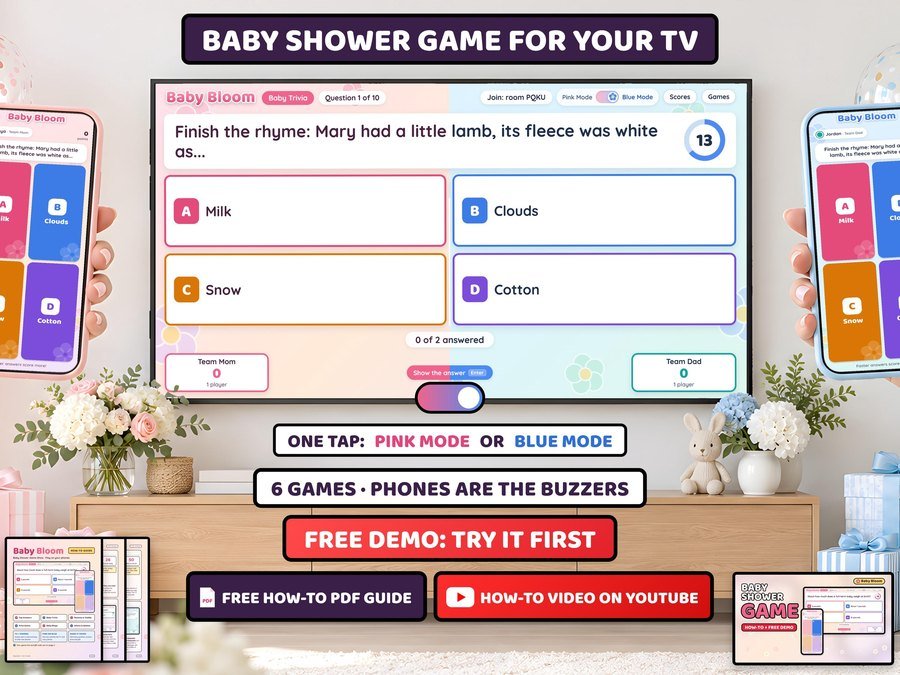
Baby shower game show for your TV, guests play on their phones
Buy direct · $12.99or on Etsy · $14.99See it on Smart Tools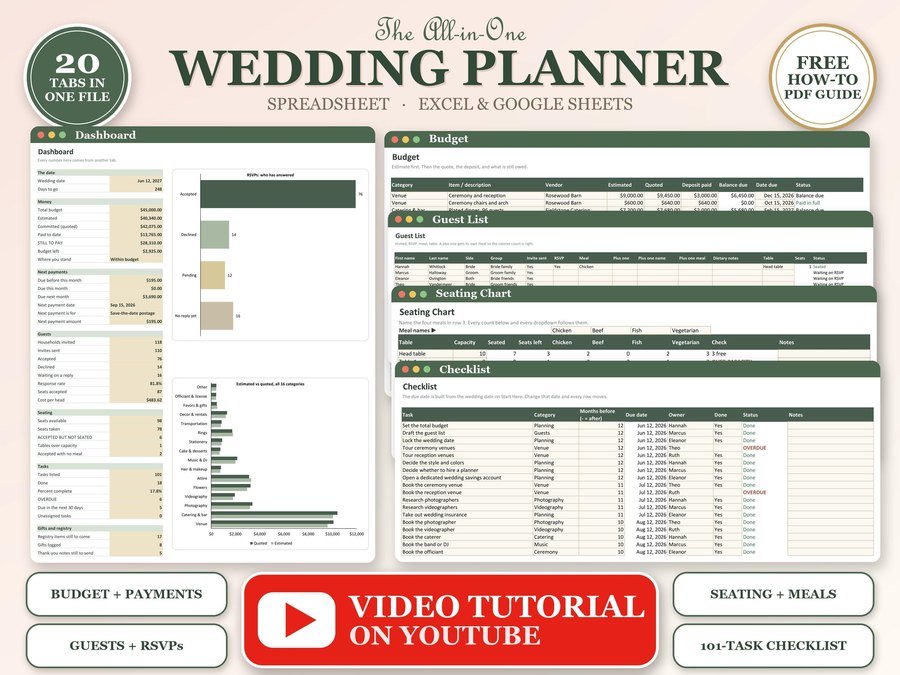
Budget, guest list, RSVPs and seating chart
Buy direct · $12.99or on Etsy · $14.99See it on Smart ToolsQuestions before you buy? Send us a message. Lost your download link? Message us.