
50/50 or by paycheck
Pick a shared bill or type any amount and see it split both ways side by side, with what share of each paycheck it takes. Or slide to your own split, like 60/40.

Split bills 50/50 or by paycheck, see who owes who, and what each of you can safely spend today. Pay once, no subscription.
$12.99 one time, buy direct
Instant download: your private app link and the free 6-page how-to PDF guide, right after you pay.
Buy on Etsy · $14.9935% off on Etsy: code SAVE35
Try the free demoPick a shared bill or type any amount and see it split both ways side by side, with what share of each paycheck it takes. Or slide to your own split, like 60/40.
Paychecks this month, your share of the bills, your spending, money into goals and what's left, plus what each of you can safely spend today.
Add a purchase in a few taps: ours, mine or yours, and who paid. The app keeps a running balance. Tap Settle up and it's all square.
Weekly, every 2 weeks, monthly or yearly. Mark a bill paid and the split happens by itself.
Honeymoon, house, wedding, baby: one jar fills in both your colors, with how much to save a week to make your date.
Yours, mine and ours: car loan, credit cards, student loans. Every payment takes the balance down by itself.
A 5-minute weekly check-in you tap through together, with a streak to keep going.
Make a picture of your month, your split or your Money Date streak. Dollar amounts stay hidden unless you turn them on.
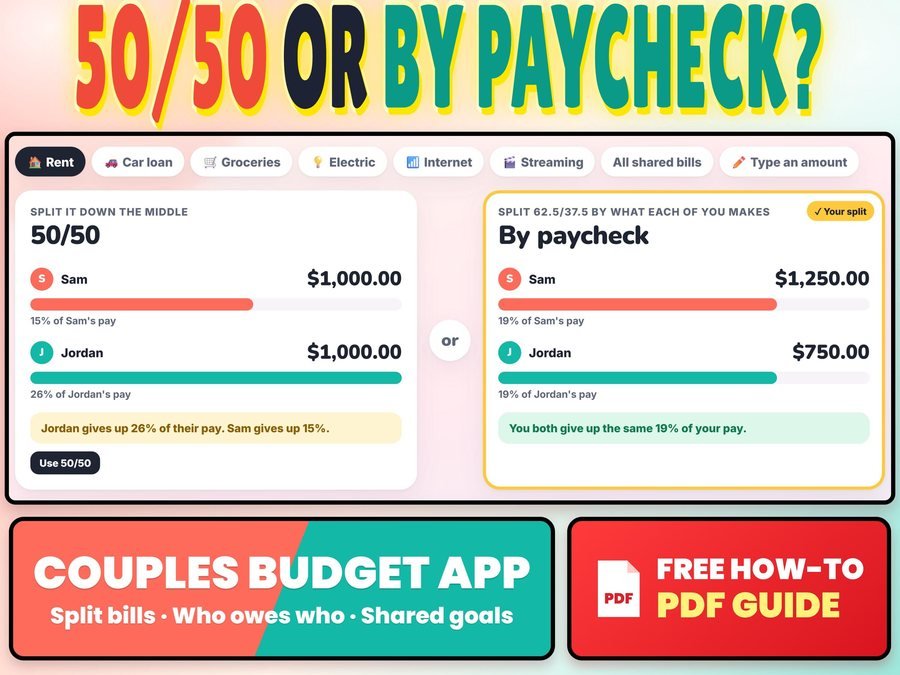
50/50 or by paycheck, side by side, with each partner's share of pay.
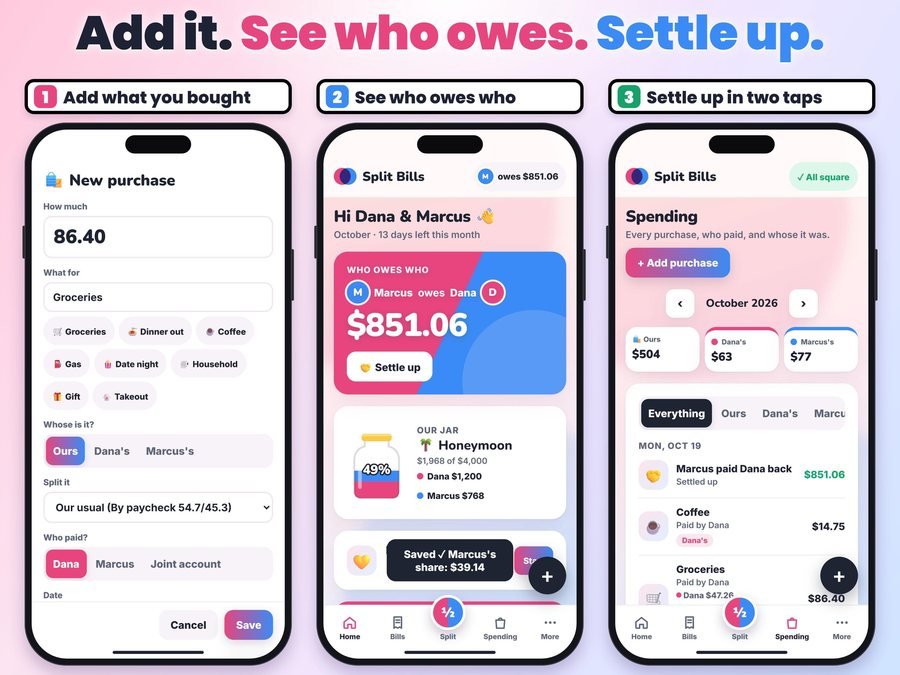
Whose it was and who paid. The app keeps a running balance of who owes who.
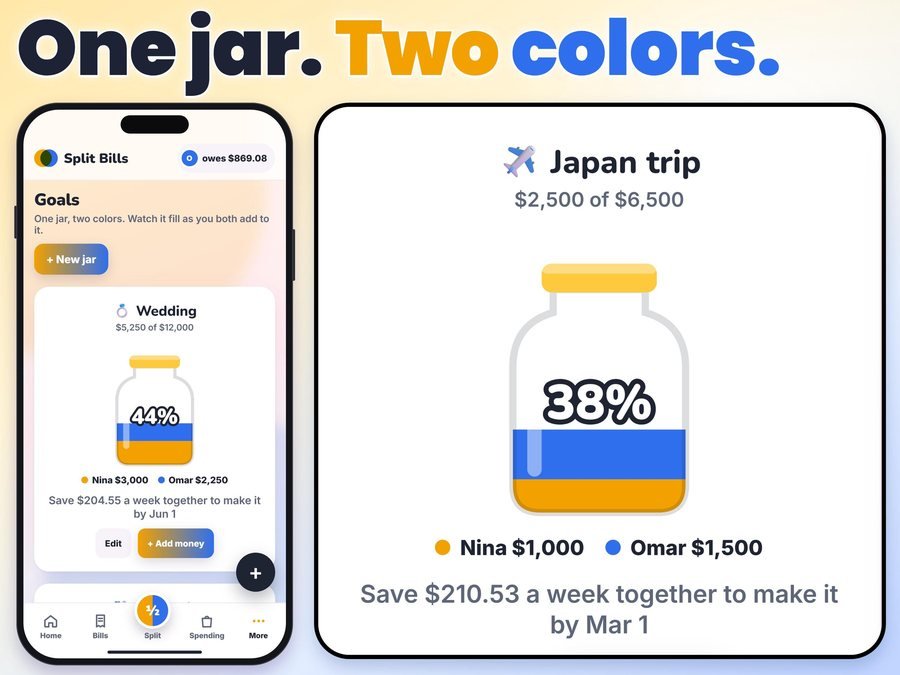
One jar fills in both your colors as each of you adds to it.
See the Couples Split Bills App in action, step by step.
Plus the free 6-page how-to PDF guide comes with your purchase.
The Couples Split Bills App doesn't have reviews yet.
Our Etsy shop has 150 reviews with a 4.8-star average.
Read all our reviews on Etsy →No. You pay once, and updates are included.
Each of you pays the same share of what you make, so you both give up the same share of your pay. The app shows it side by side with a 50/50 split.
Yes. Slide to your own split, like 60/40.
No. You add purchases yourself, a few seconds each. No bank login, and your money info stays on your device.
Yes, but it isn't live sync. Send your copy to your partner's phone; it replaces what's on the other phone.
Yes. Add it to your Home Screen first, then open it from there and set it up. Your guide shows how.
Buy direct and you land on your download page right after you pay, with your private app link and the free how-to PDF guide. On Etsy, open Purchases on Etsy.com and click Download Files.
Yes. The free demo opens right in your browser, with no sign-up.
More tools for your money together.
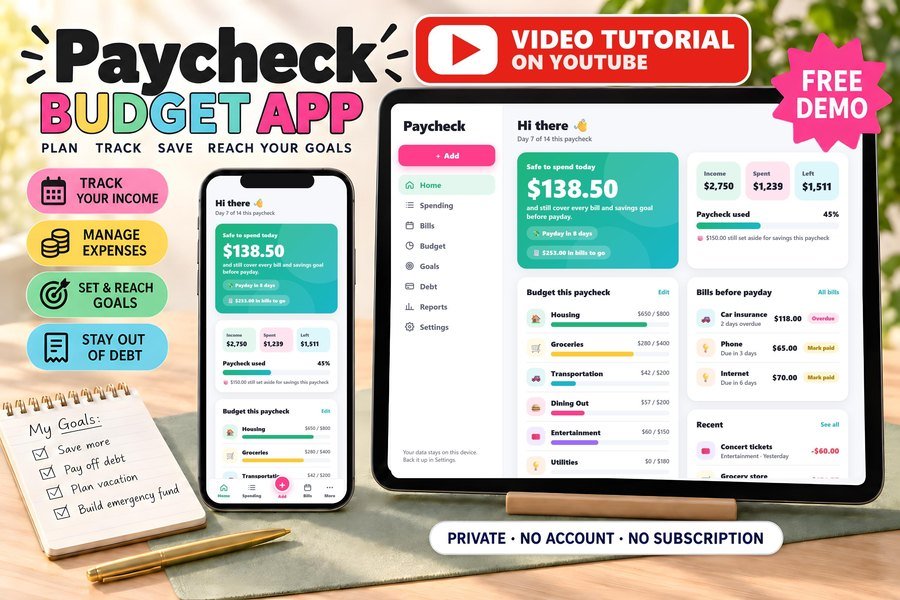
Biweekly budget, bills and debt payoff on your phone
Buy direct · $17.99or on Etsy · $19.99See it on Smart Tools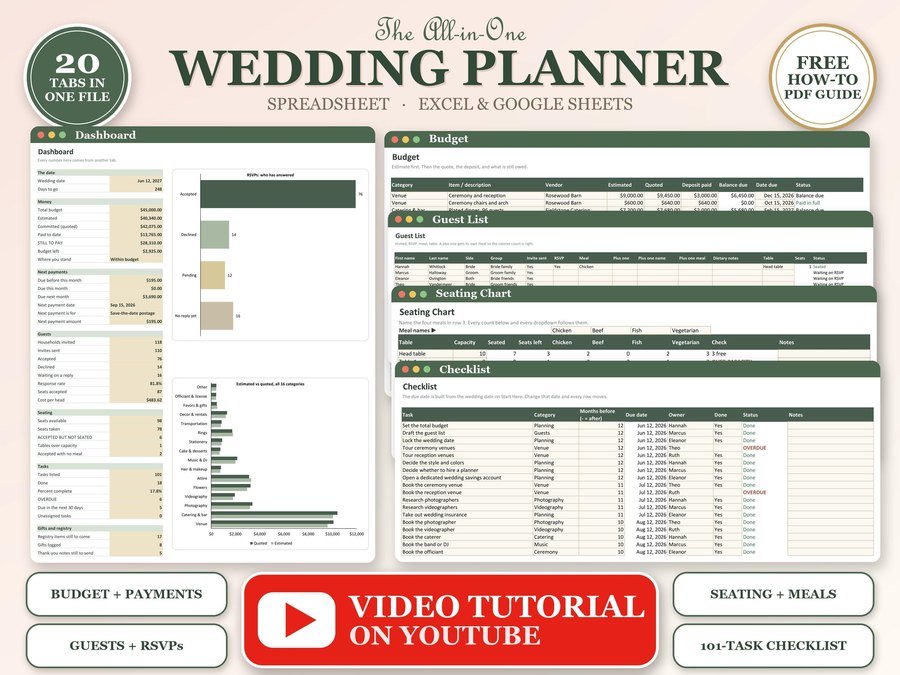
Budget, guest list, RSVPs and seating chart
Buy direct · $12.99or on Etsy · $14.99See it on Smart Tools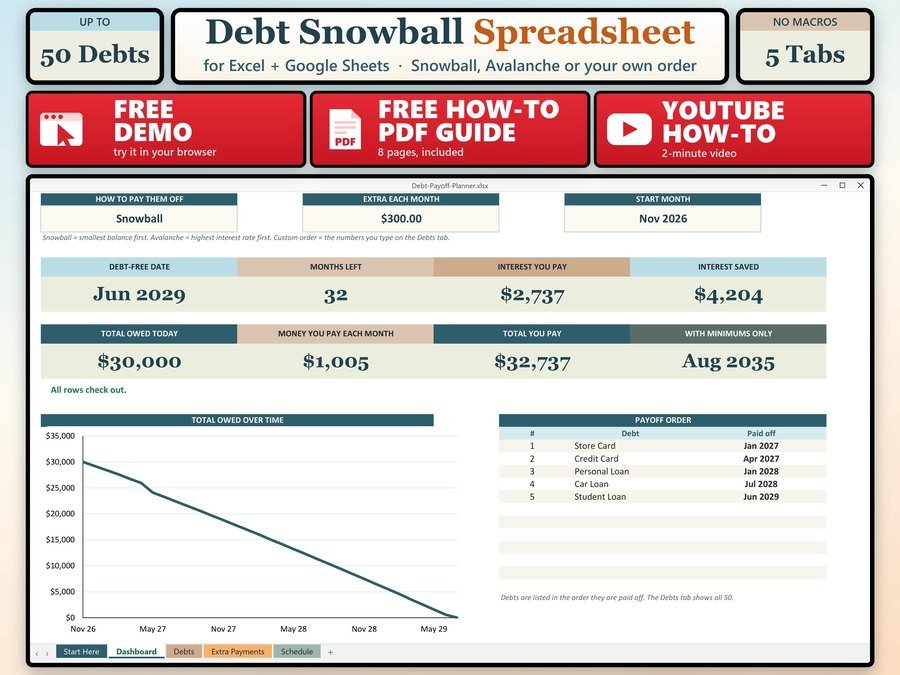
See the month you will be debt free
Buy direct · $7.99or on Etsy · $9.99See it on Smart ToolsQuestions before you buy? Send us a message. Lost your download link? Message us.