
The tree draws itself
Type each person once, pick their father and mother, and the tree draws itself: 5 generations from anyone you choose.

Your family tree, with photos, on your phone and your computer. Type each person once, pick their father and mother, and the tree draws itself.
$7.99 one time, buy direct
Instant download: your personal Grandleaf app link and the free 9-page how-to PDF guide, right after you pay.
Buy on Etsy · $9.9935% off on Etsy: code SAVE35
Try the free demoType each person once, pick their father and mother, and the tree draws itself: 5 generations from anyone you choose.
Add a photo to anyone. It stays on your device. No photo yet? Their initials show instead.
Father's side, mother's side or both. Tap + Add father or + Add mother right on the tree.
Search names and places, grouped by family name, with how each person is related, like Emma's great-great-grandmother.
Photo, life facts, parents, partners and years together, children, brothers and sisters.
Birthdays with the age they turn, anniversaries and in memory dates for the next 12 months. One button saves the birthdays as a calendar file.
A 1-page chart, Letter or A4, color or black and white, or save it as a PDF.
It warns you when someone died before they were born, a parent was very young at a birth, or a person is 110+ with no death date.
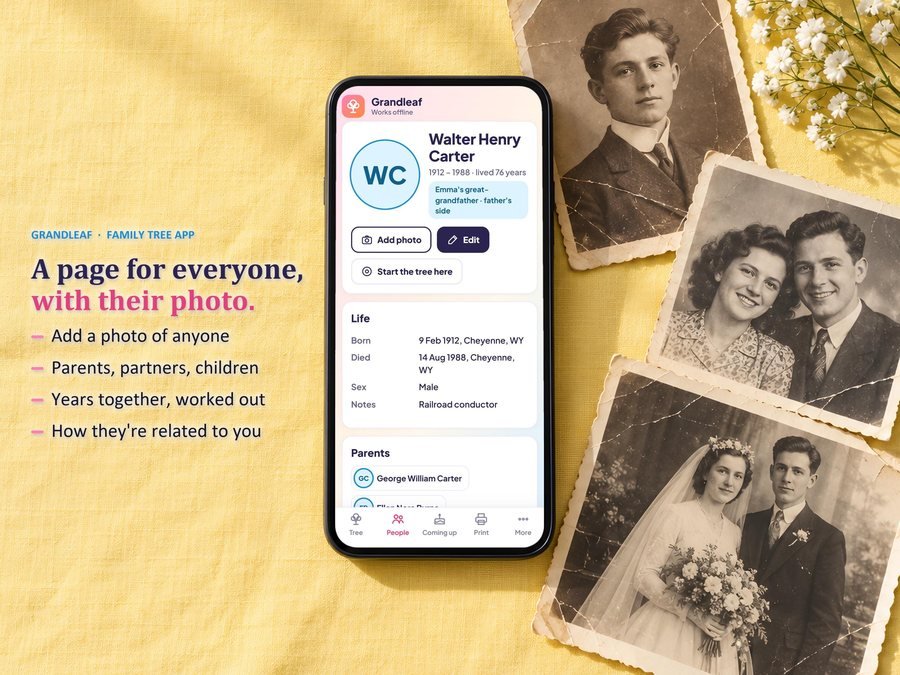
Type each person once and add their photo, life facts and parents.

Tap any name to open their page or start the tree from them.

Letter or A4, color or black and white, with your own title, or save it as a PDF.
12 Mar 1854, Mar 1854, abt 1880, 1854, 4/12/1998 or 1998-04-12. Dates before 1900 work too.
Grandleaf doesn't have reviews yet.
Our Etsy shop has 150 reviews with a 4.8-star average.
Read all our reviews on Etsy →Yes. Add a photo to anyone. It stays on your device, and their initials show until you add one.
5 generations from anyone you choose, father's side, mother's side or both. Tap any name to start the tree from them.
Yes. A 1-page chart, Letter or A4, color or black and white, or save it as a PDF.
Yes. 12 Mar 1854, Mar 1854, abt 1880 or just 1854 all work, and dates before 1900 too.
Yes, once it's installed on your home screen. No account, no subscription, and your family stays on your device.
Yes. Backup and Restore moves your family between devices, photos included.
Buy direct and you land on your download page right after you pay, with your app link inside the free how-to PDF guide. On Etsy, open Purchases in a web browser and click Download Files.
Yes. The free demo opens right in your browser with a sample family, and nothing is saved.
More for your family.
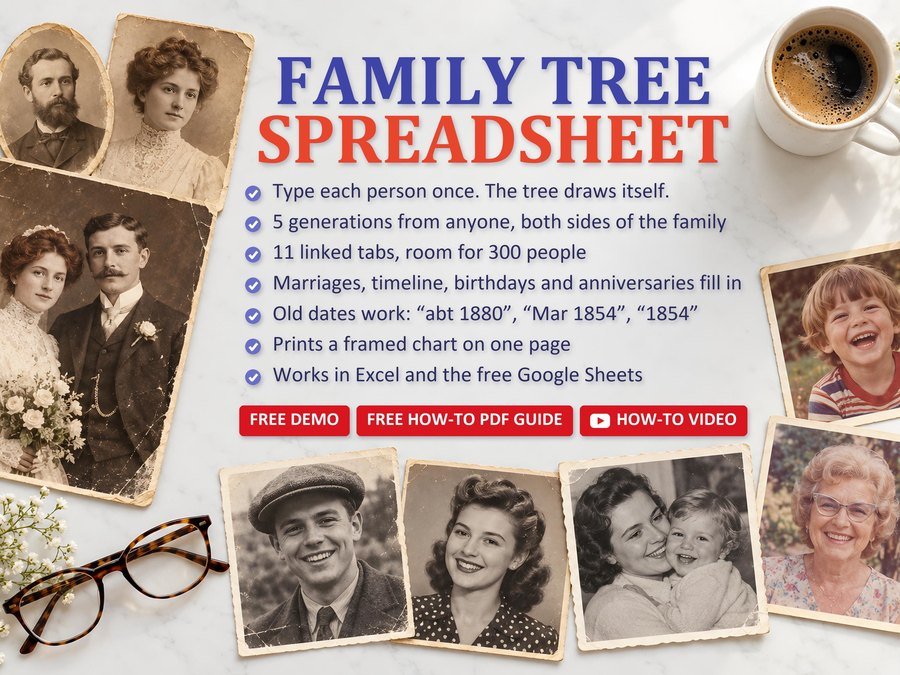
Type each person once and 5 generations draw themselves
Buy direct · $10.99or on Etsy · $12.99See it on Smart Tools
Baby shower game show for your TV, guests play on their phones
Buy direct · $12.99or on Etsy · $14.99See it on Smart Tools
Budget, guest list, RSVPs and seating chart
Buy direct · $12.99or on Etsy · $14.99See it on Smart ToolsQuestions before you buy? Send us a message. Lost your download link? Message us.