
Color charts for the colors you carry
Only the colors your print provider offers, not all 60+. Shirt shapes, circles, squares or paint chips, with the color names.
Pick the blank you sell, tap the colors you carry and download branded listing photos at 300 DPI: color charts, color mockups, size charts, care cards and more. It runs in your web browser, with nothing to install and no account.
$19.99 one time, on Etsy
Only the colors your print provider offers, not all 60+. Shirt shapes, circles, squares or paint chips, with the color names.
Rename a color, fix a shade, change the order or add a color of your own.
Add 1 to 4 photos of a plain white shirt, hoodie or sweatshirt and your design. MerchChart re-colors the garment into every color you picked. The folds and shadows from your photo stay.
Every color gets its own mockup with your design on it, plus a photo color chart. Add a light version of your design for the dark colors.
Each maker's own measurements in inches, centimeters or both, with a drawing that shows where to measure. Type over any number and hide sizes you don't sell.
A care card with washing symbols, a product details card, size and color on one photo, a size guide for mugs, posters, pillows and phone cases, and a colors may vary note.
Shop name, logo, colors, fonts, background and frame, set once. Every chart comes in 3 versions: your brand with names, names only, or blank.
Listing photo size (3000 x 2250), square, tall, Pinterest or your own size from 600 to 6000 px, PNG or JPG at 300 DPI. Or every chart in one ZIP, plus a 10-second chart video.
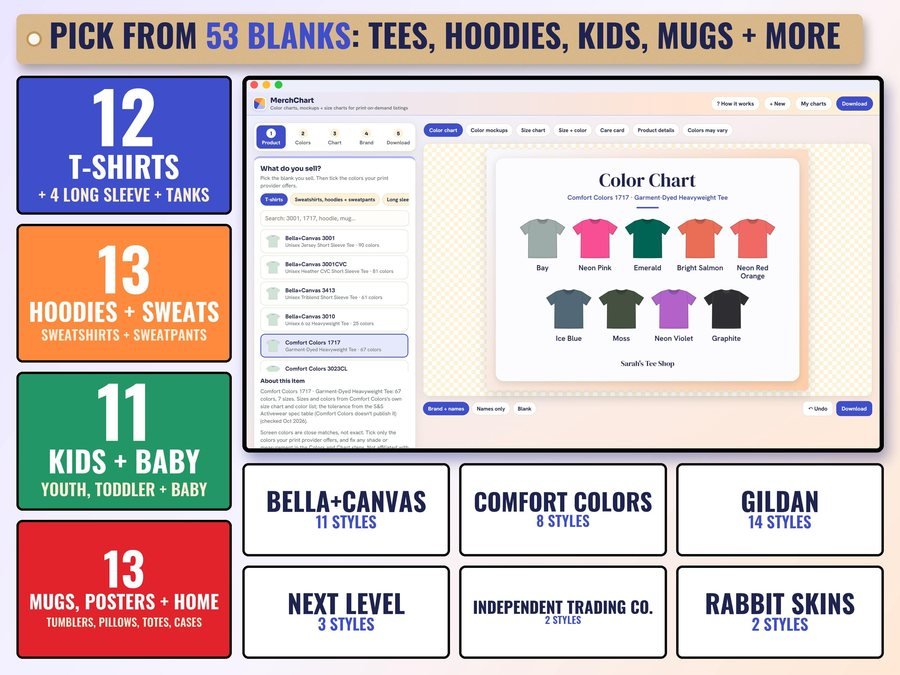
Choose from 53 blanks: tees, hoodies and sweats, kids and baby, mugs, posters and home items.

Only the colors your print provider offers, in the swatch style you like.
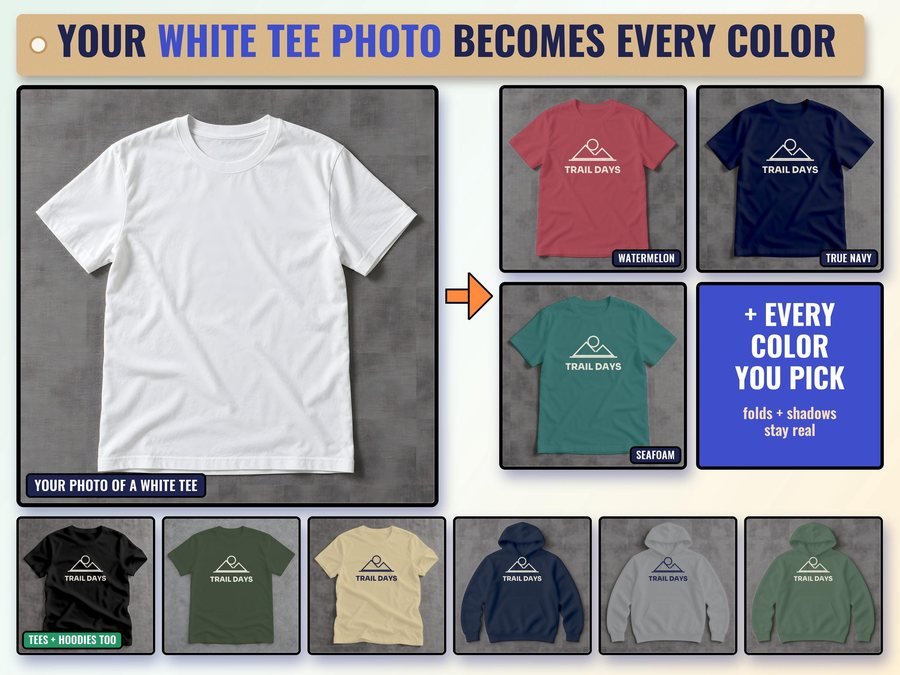
Add a photo of a plain white tee and your design. It comes back in every color you picked.
See how to make your color charts, mockups and size charts in MerchChart.
Plus the free 6-page how-to PDF guide comes with your purchase.
T-shirts, sweatshirts, hoodies and sweatpants, long sleeve and tanks, kids, toddler and baby, plus print-on-demand home and gift items.
MerchChart doesn't have reviews yet.
Our Etsy shop has 150 reviews with a 4.8-star average.
Read all our reviews on Etsy →53 blanks: t-shirts, sweatshirts, hoodies and sweatpants, long sleeve and tanks, kids, toddler and baby, plus mugs, tumblers, posters, canvas, stickers, journals, pillows, blankets, towels, totes and phone cases.
Yes. Add 1 to 4 photos of a plain white shirt, hoodie or sweatshirt you own and your design. MerchChart re-colors the garment into every color you picked and prints your design on each one.
From each garment maker's own size chart, in inches, centimeters or both. Type over any number and hide sizes you don't sell.
Yes. Add your shop name, logo, colors, fonts, background and frame once, and every chart uses them.
Listing photo size (3000 x 2250), square, tall, Pinterest or your own size from 600 to 6000 px, as PNG or JPG with 300 DPI written in.
No. MerchChart doesn't connect to any shop or print provider. You download the files and add them to your listing yourself.
Computers, tablets and phones, in Chrome, Safari or Edge. It works offline after the first open, and your charts save on your device as you go.
It's a digital download. After you buy on Etsy, open Purchases in a web browser and click Download Files. Your guide PDF has everything you need to open the app.
Yes. The free demo opens right in your browser, with no sign-up. Its downloads are small and marked DEMO.
More tools for print-on-demand and handmade sellers.

Turn your drawings into seamless patterns for tumblers, fabric and print-on-demand
Buy on Etsy · $19.99See it on Smart Tools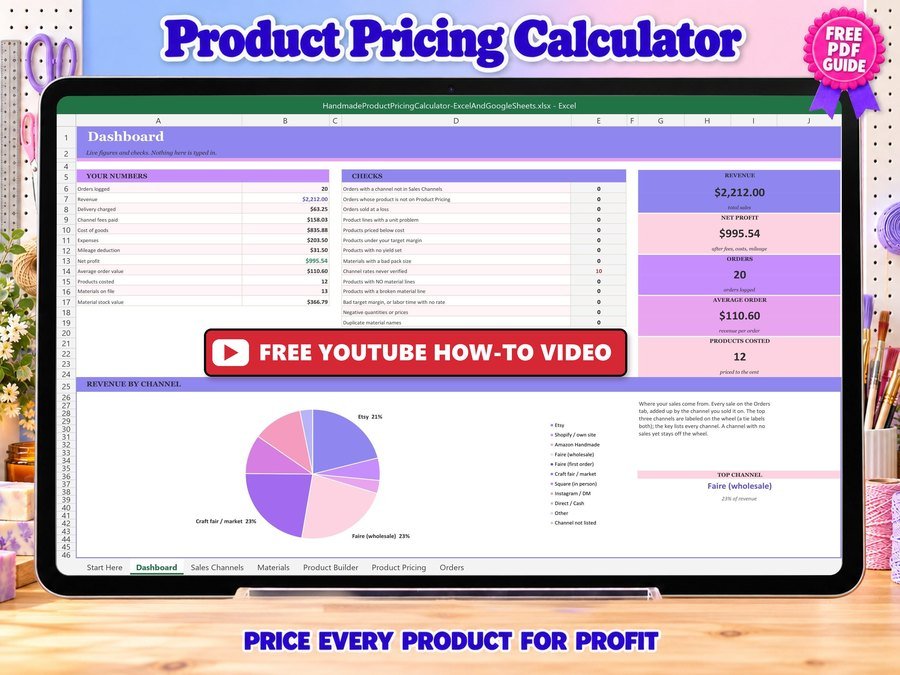
Price your handmade products for profit
Buy direct · $12.99or on Etsy · $14.99See it on Smart Tools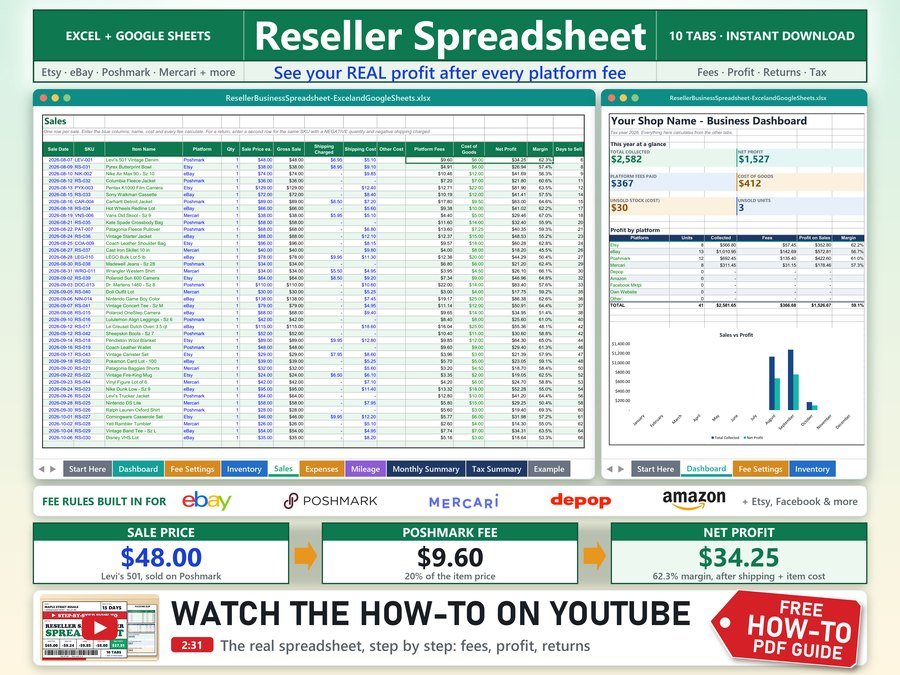
Sales and profit calculator with real eBay and Poshmark fees
Buy direct · $10.99or on Etsy · $12.99See it on Smart ToolsQuestions before you buy? Send us a message. Lost your download link? Message us.