
Kid Mode
Big, bright chore cards your kids tap themselves. A star pops, points go up, and they see All done! when they finish.

Kids check off their own chores and earn rewards. Grown-ups get a calm cleaning plan that never shows a wall of chores. One app for the house and the kids.
$14.99 one time, buy direct
Instant download: your private Tidy Champs app link and the free 8-page how-to PDF guide, right after you pay.
Try the free demoBig, bright chore cards your kids tap themselves. A star pops, points go up, and they see All done! when they finish.
Each child gets their own chores, sorted into morning, after school and bedtime, every day, on chosen days or once a week.
Suggested chores for ages 2-3, 4-5, 6-8, 9-12 and 13+, so you know what's fair for each child.
Movie night, pick dinner, extra screen time, anything you like. You set the points, and kids watch their progress bars fill.
A friendly weekly leaderboard, plus an optional allowance: money per point or money per week.
For grown-ups, the app picks the 3 house tasks that matter most today. Missed one? Roll it to tomorrow with one tap. No guilt.
Every room and task repeats daily, weekly or monthly, with the next due date worked out for you and a 5-minute quick reset list for each room.
A Mon-Sun chart for each child with their chores and checkboxes for the fridge, any time.
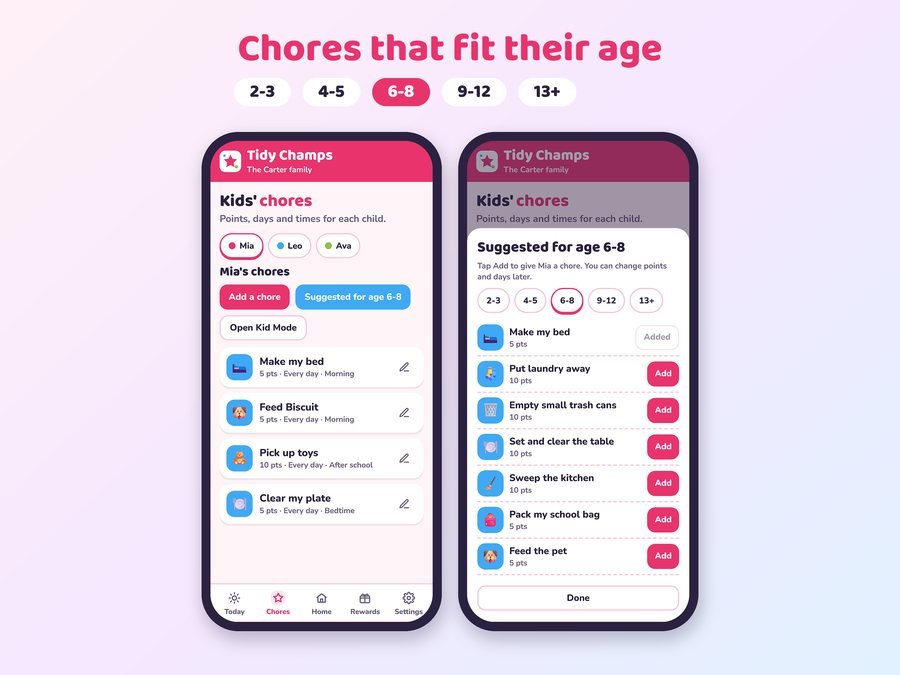
Type each name and age. The age picks the right chore suggestions.
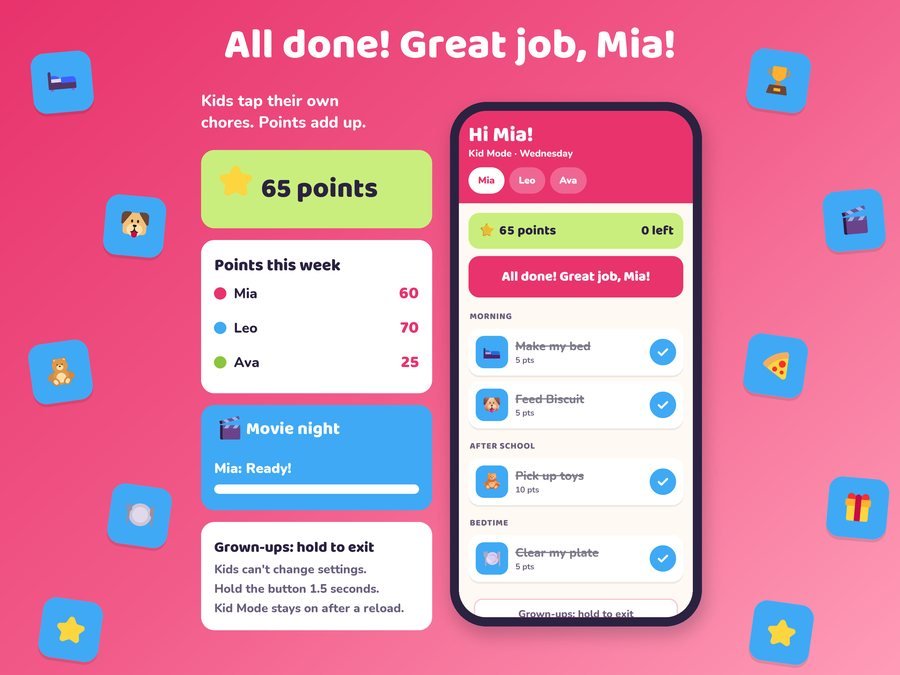
Hand over Kid Mode. A star pops for every chore, and points go up.
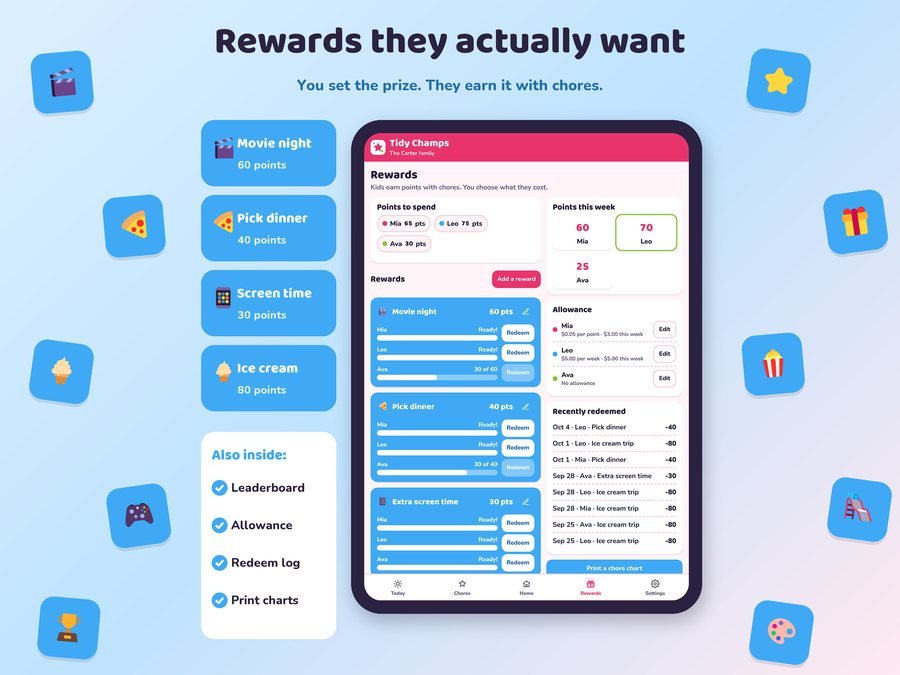
When a reward is ready, tap Redeem. The points come off and the fun starts.
Your family's plan lives on the device you use, and nothing is uploaded. No account, no login, no ads.
No. Open the link and start. No account, no login, no subscription and no ads.
Yes. In Kid Mode your child sees only their chores for today, big and bright. Grown-ups press and hold a button for about 1.5 seconds to leave it, so kids can't wander into the settings.
Tap Suggested for age, pick 2-3, 4-5, 6-8, 9-12 or 13+, and add any chore you like. You can change points and days later.
Yes. You decide what each reward costs, and kids see their progress bars fill up as they earn points.
Yes. Grown-ups get Today: just these 3, a cleaning plan that repeats on its own, roll to tomorrow and a 5-minute reset timer.
Yes, after you have opened it once from your link.
Each device keeps its own copy. To move your plan, back up on one device and restore on the other.
Right after you pay, you land on your download page with your private app link and the free how-to PDF guide.
Yes. The free demo opens right in your browser with a sample family, and nothing is saved.
More tools for busy families.
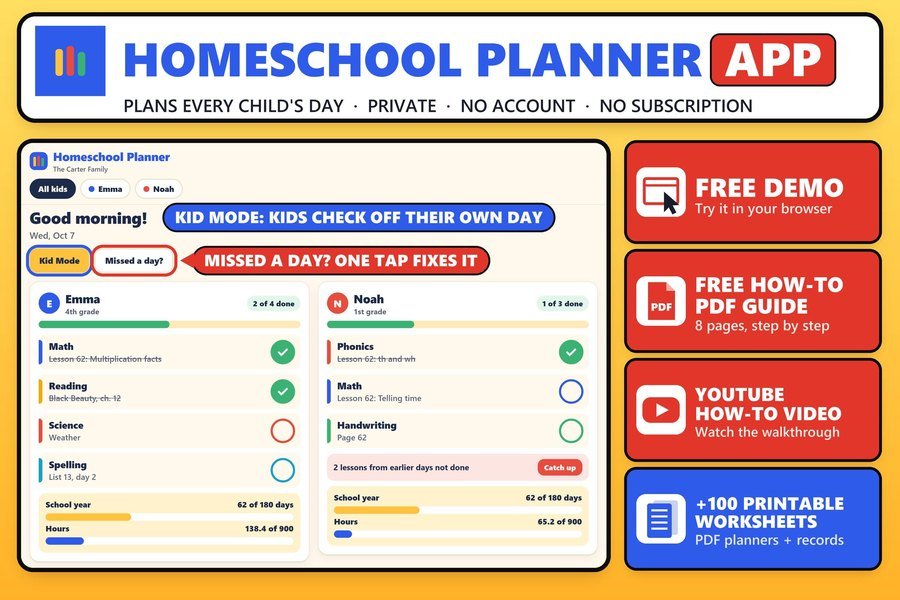
Lesson plans, attendance and records for each child
Buy direct · $14.99See it on Smart Tools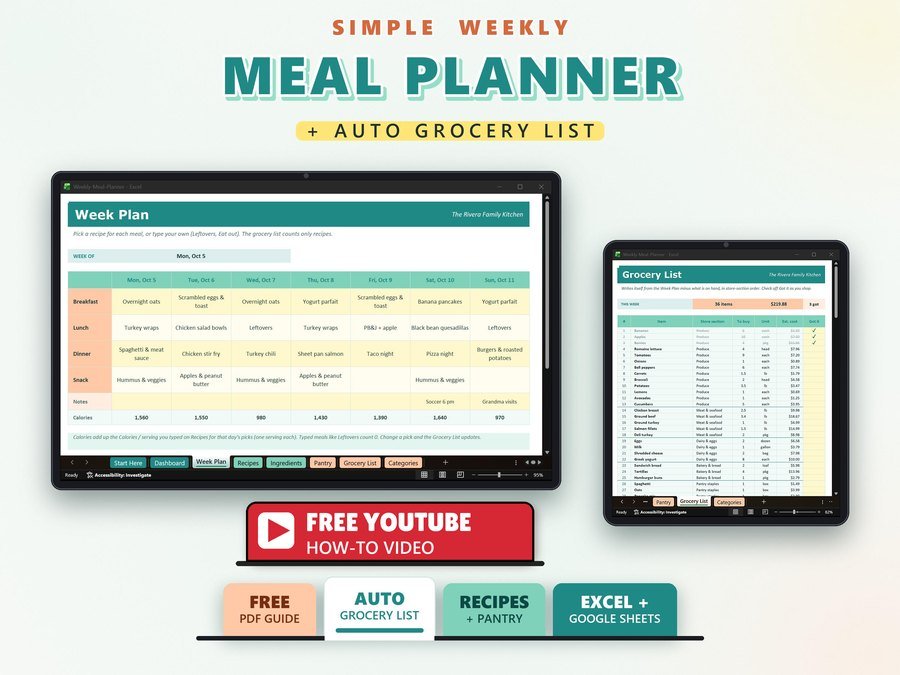
Weekly meals with a grocery list
Buy direct · $10.99See it on Smart Tools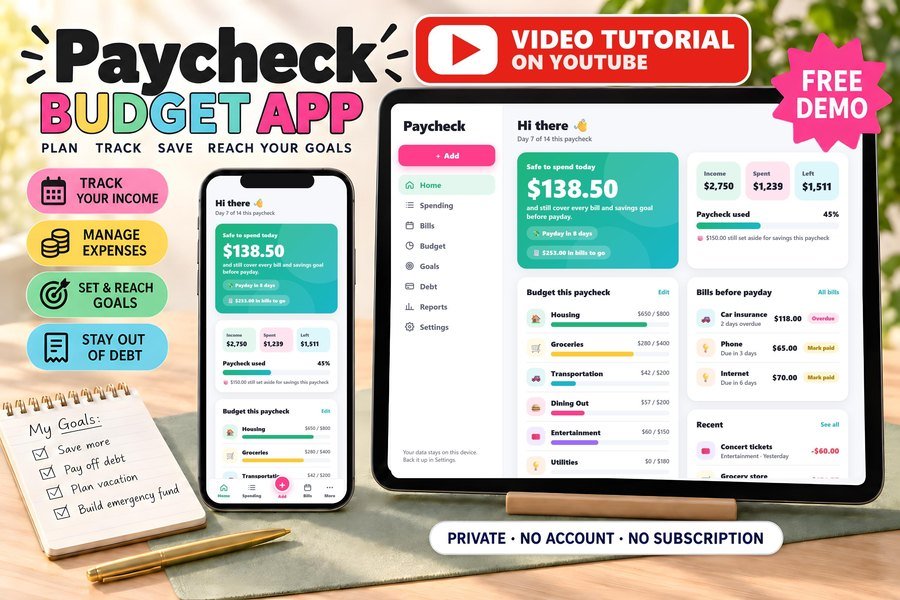
Biweekly budget, bills and debt payoff on your phone
Buy direct · $17.99See it on Smart ToolsQuestions before you buy? Send us a message. Lost your download link? Message us.