
Week Plan
7 days with Breakfast, Lunch, Dinner and Snack rows. Pick a recipe from the dropdown, or type your own like Leftovers or Eat out.
Plan the week, and your grocery list writes itself
Pick a recipe for each meal and this spreadsheet adds up every ingredient, takes away what you already have, and lists the rest by store section so you can shop in order.
$10.99 one time, buy direct
Instant download: the spreadsheet (.xlsx) and the free 8-page Quick Start PDF guide, right after you pay.
Buy on Etsy · $12.9935% off on Etsy: code SAVE35
7 days with Breakfast, Lunch, Dinner and Snack rows. Pick a recipe from the dropdown, or type your own like Leftovers or Eat out.
In store-section order, with a Got it check mark for each item and an estimated cost. Room for 150 lines.
Up to 200 foods with store section, unit, what you have on hand and an optional price. It works out what to buy, rounded up to whole units.
Up to 60 recipes with meal, servings, minutes, calories per serving and a note or link, plus each recipe's cost per batch.
One row per ingredient, up to 400 rows. Pick the recipe, pick the food from your Pantry list and type how much it uses.
Meals planned, items to buy, estimated grocery cost against your weekly budget, average calories a day, a calories-per-day chart and your shopping by store section.
Comes with 4 meal rows, 12 store sections and 19 units. Rename, reorder or add your own and the dropdowns follow.
Your household name, the week you're planning and an optional weekly grocery budget.
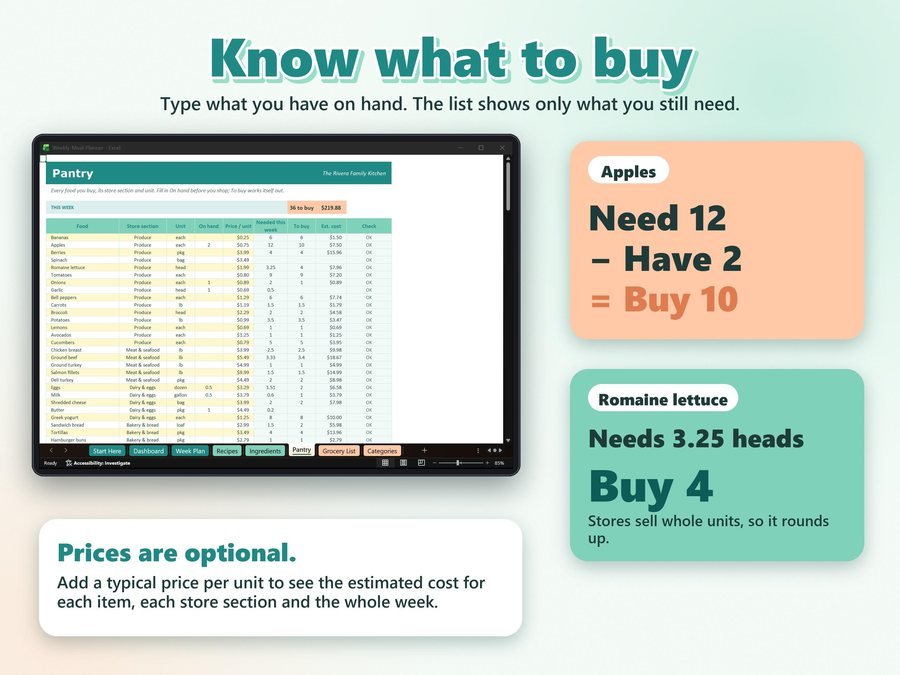
Add the foods you buy on the Pantry tab, with what you have on hand.
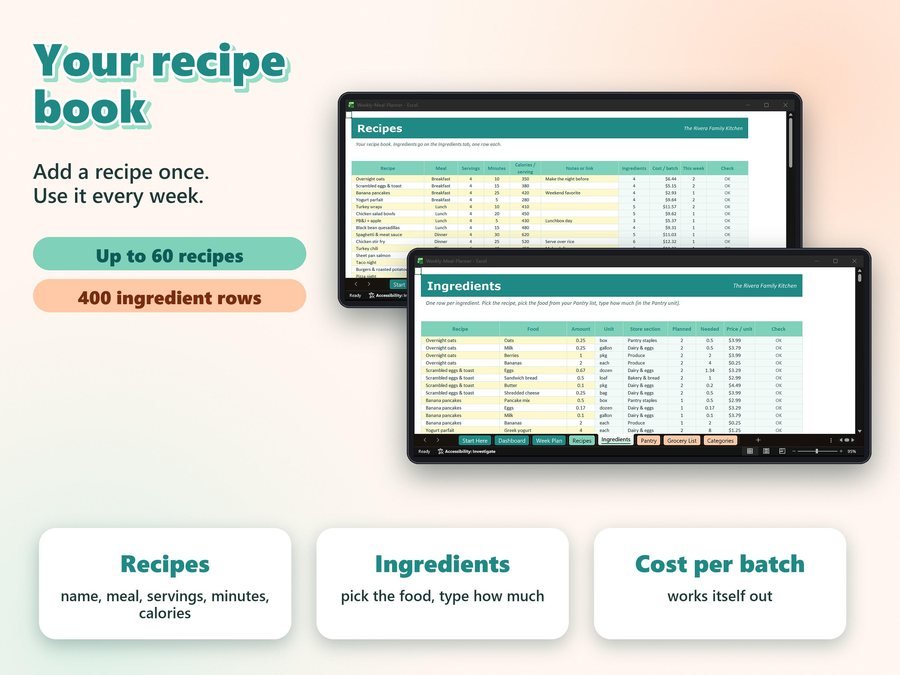
Your recipes, then one row per ingredient: pick the food and type how much it uses.
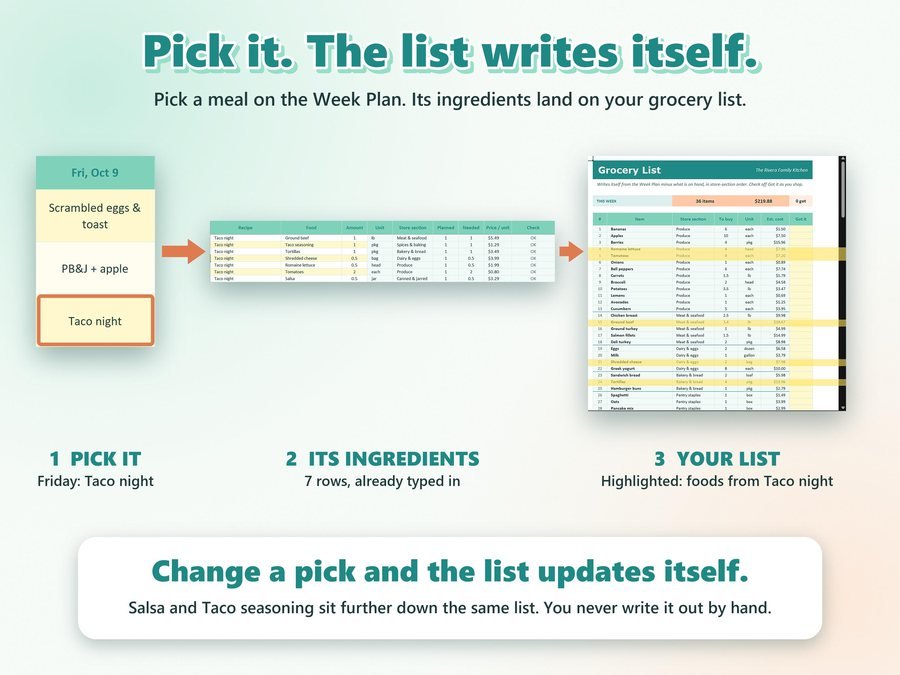
Pick your meals on the Week Plan. The grocery list and Dashboard fill in by themselves.
See how to set up and use the Weekly Meal Planner, start to finish.
Plus the free 8-page Quick Start PDF guide comes with your purchase.
A Check column on Recipes, Ingredients and Pantry flags a missing name, a name used twice, a food that isn't on your Pantry list, a missing amount, or a renamed store section. The Dashboard tells you how many rows need a look.
The Weekly Meal Planner Spreadsheet doesn't have reviews yet.
Our Etsy shop has 150 reviews with a 4.8-star average.
Read all our reviews on Etsy →Yes. Upload the file to Google Drive and use File, then Save as Google Sheets. Sheets removes the locks when it imports, so type only in the lemon cells. It also works in Excel (desktop) and LibreOffice Calc.
Yes. Add up to 60 recipes and 400 ingredient rows. The file opens empty, ready for your own foods and recipes.
Yes. Type what you have on hand on the Pantry tab. It works out what you need this week and what to buy, rounded up to whole units.
Change the date on Start Here, clear the meal boxes and pick again. Your recipes stay put.
Yes. Type an optional weekly grocery budget on Start Here, and the Dashboard shows your estimated grocery cost and what's left in your budget.
Families, couples, meal preppers, students, budget shoppers and anyone who wants a simple plan for the week and a grocery list they don't have to write.
Buy direct and you land on your download page right after you pay, with the spreadsheet and the free Quick Start PDF guide. On Etsy, open Purchases in a web browser and click Download Files.
Yes. Watch the how-to video on this page to see how it works.
More planners for home and money.
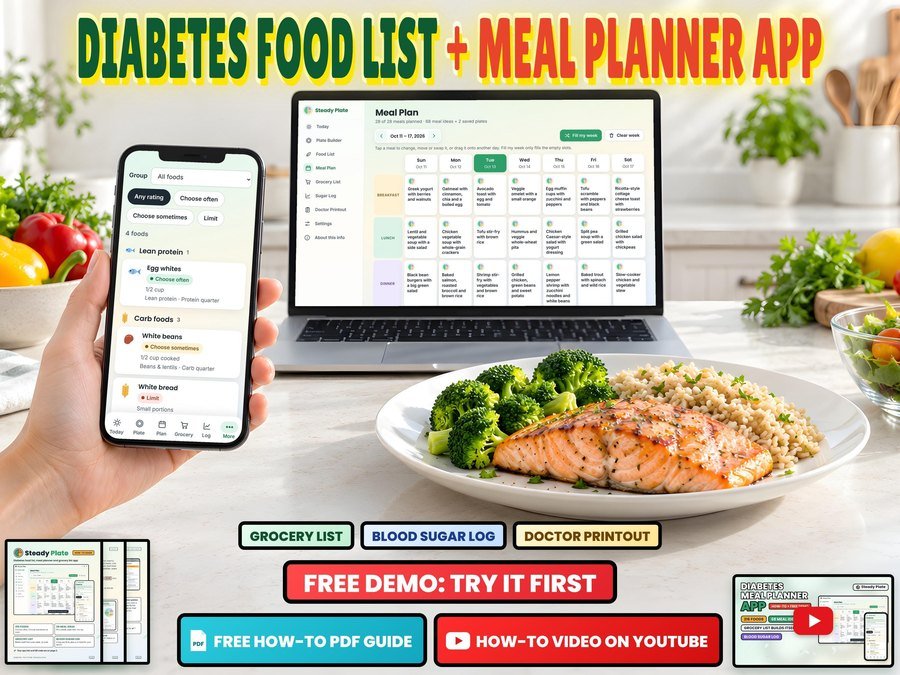
Diabetes food list, meal planner and grocery list for your phone
Buy direct · $12.99or on Etsy · $14.99See it on Smart Tools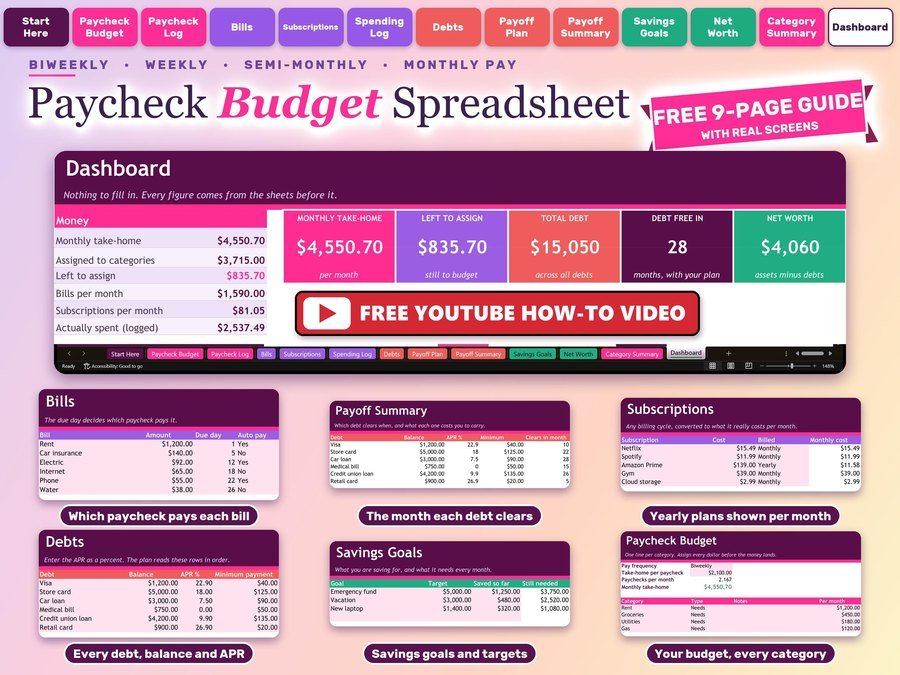
Plan every paycheck, bills and debt payoff
Buy direct · $10.99or on Etsy · $12.99See it on Smart Tools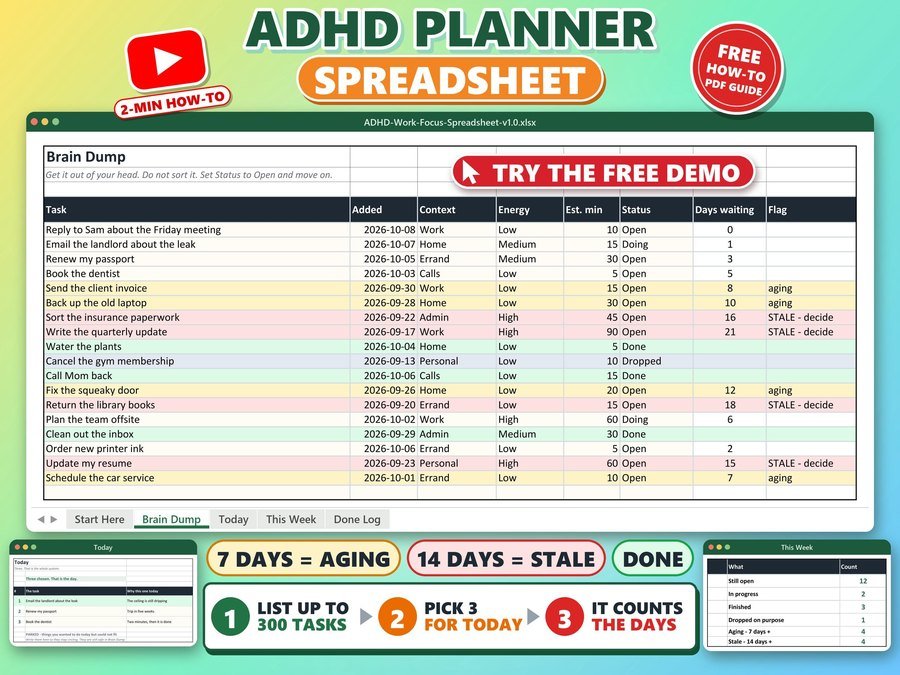
Brain dump, daily to do list, task tracker
Buy direct · $10.99or on Etsy · $12.99See it on Smart ToolsQuestions before you buy? Send us a message. Lost your download link? Message us.