
It asks, you answer
Tap Fill it in and it opens the next page that isn't finished. Skip anything and come back any time. Pages that don't apply to you (children, pets, a business, military service) stay hidden and don't print.

Readyfold is an emergency binder you fill in on your phone, tablet or computer. It asks, page by page, for everything your family would need in an emergency: medical facts, medicines and doctors, insurance, bank accounts and bills, passwords, contacts, important documents, your home and vehicles, and your final wishes. Then it prints a neat binder of only the pages you filled in, with a cover, a contents page, section dividers and colored side tabs.
$12.99 one time, buy direct
Tap Fill it in and it opens the next page that isn't finished. Skip anything and come back any time. Pages that don't apply to you (children, pets, a business, military service) stay hidden and don't print.
Emergency Planning, Personal Information, Medical Information, Contacts, Insurance, Important Documents, Passwords & Logins, Financial Accounts, Household Expenses, Property & Assets, Vehicles, Employment, My Business, End of Life Wishes, and Extras & Notes.
Each person gets their own personal pages: medical, insurance, passwords, final wishes.
Your binder is encrypted on your device. Nothing is uploaded and there's no account. Nobody can reset the passcode, not even us, so write it down.
Made from what you entered: allergies, medicines, doctor, emergency contacts. Put the sheet on the fridge.
Passport, license and insurance renewals, warranty end dates, car service, and a yearly "review our binder" day. Your calendar reminds you 2 weeks before and the day before.
Important documents, evacuation documents, the 6 P's of evacuation, emergency supply kit, first aid kit, vehicle emergency kit, vehicle safety and spring, summer, fall and winter home care. Tick what you have and note where it's kept.
Download a backup file that opens only with your passcode, and restore it on a new phone or computer.
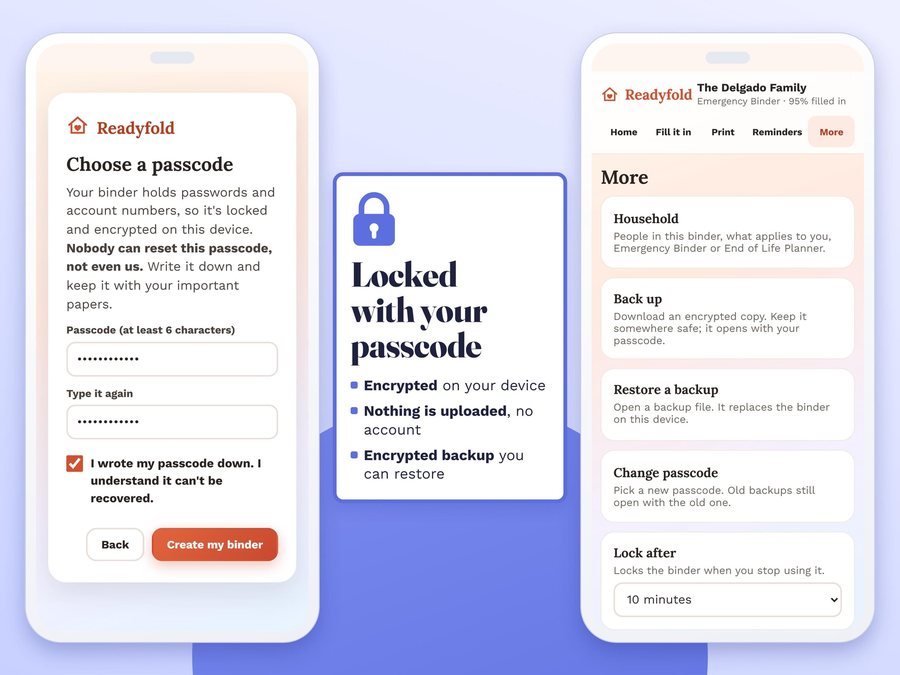
Type whose binder it is, tick what applies to your household and choose your passcode.
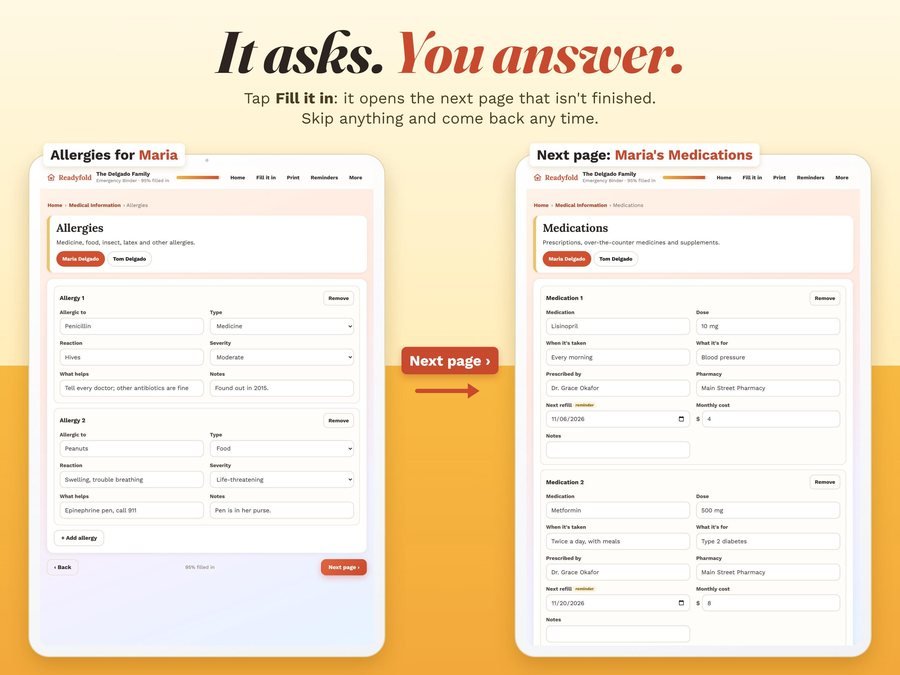
Tap Fill it in: it opens the next page that isn't finished. Skip anything and come back any time.

A neat binder of only the pages you filled in, with a cover, a contents page, section dividers and colored side tabs.
See one family's binder set up in Readyfold, start to finish: set it up, fill it in, add reminders, print it and keep it safe.
Plus the free how-to PDF guide comes with your purchase.
Print the whole binder, your filled pages plus blank ones to finish by hand, a blank binder to fill in with a pen, or one section. Passwords stay off paper unless you want them on it: the printout says "Kept in the app".
Readyfold doesn't have reviews yet.
Our Etsy shop has 150 reviews with a 4.8-star average.
Read all our reviews on Etsy →Medical facts, medicines and doctors, insurance, bank accounts and bills, passwords, contacts, important documents, your home and vehicles, and your final wishes. Readyfold asks for each one, page by page.
Yes. End of Life Wishes is one of its 15 sections, and each person gets their own final wishes pages. It is not legal advice and it doesn't make a will: the binder records where yours are and who to call.
No. Your binder is encrypted on your device. Nothing is uploaded and there's no account.
Nobody can reset the passcode, not even us, so write it down. Without it, the binder and its backups stay locked.
Yes: the whole binder, binder + blank pages, a blank binder, or one section, on US Letter, A4, A5 or Half Letter, with a cover, a contents page, section dividers and colored side tabs.
Only if you want them there. Passwords stay off paper unless you want them on it: the printout says "Kept in the app".
Yes, through your phone's calendar: passport, license and insurance renewals, warranty end dates, car service, and a yearly "review our binder" day. Your calendar reminds you 2 weeks before and the day before.
Yes. Download a backup file that opens only with your passcode, and restore it on a new phone or computer. It doesn't sync between devices by itself.
It's a digital download. After you buy on Etsy, open Purchases in a web browser and click Download Files, then open the guide PDF and tap your private app link.
More for running your home and family.
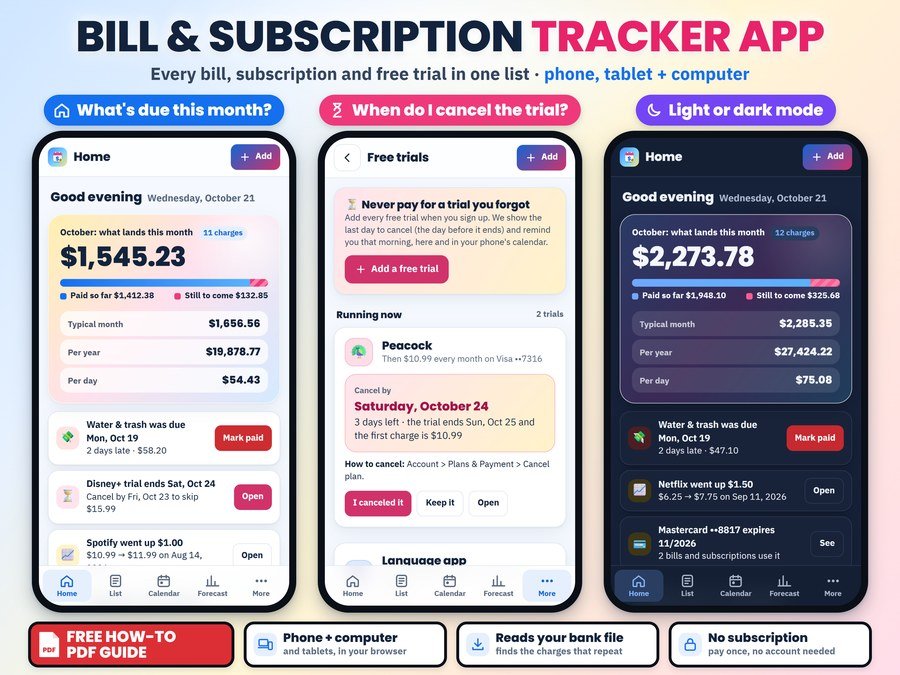
Every bill and subscription in one list, with your paydays, free trial reminders and the money you keep by canceling
Buy on Etsy · $14.99See it on Smart Tools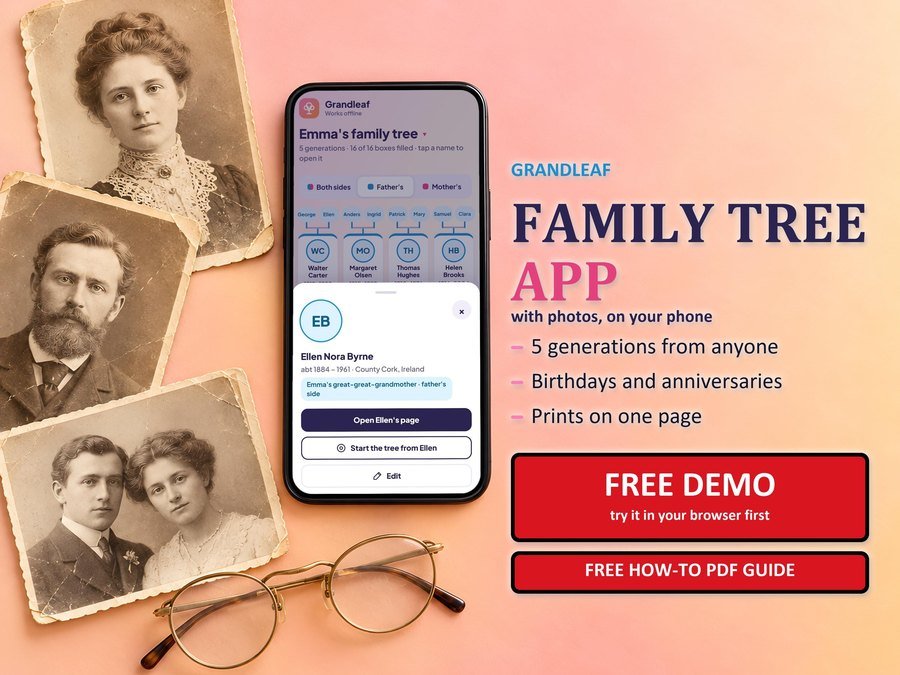
Your family tree with photos, on your phone and computer
Buy direct · $7.99or on Etsy · $9.99See it on Smart Tools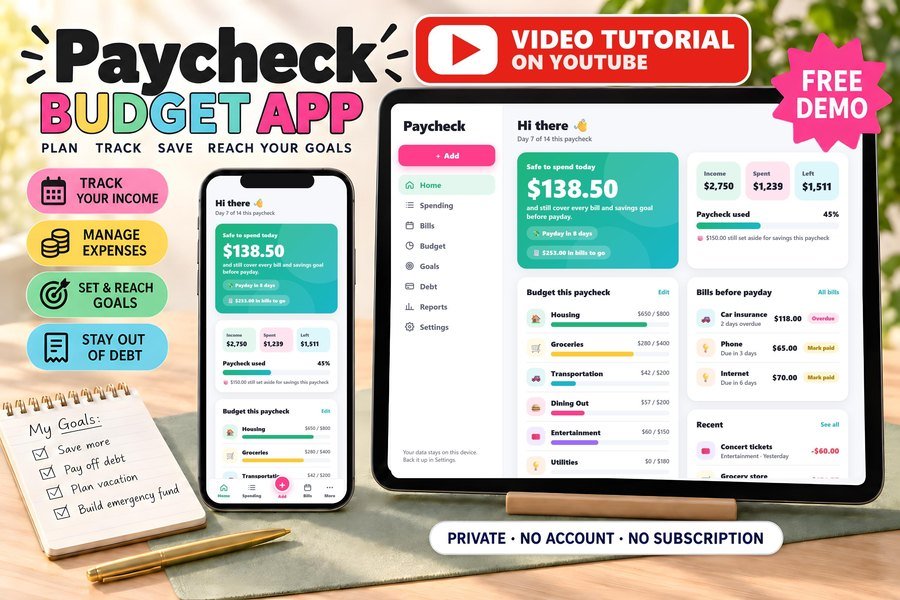
Biweekly budget, bills and debt payoff on your phone
Buy direct · $17.99or on Etsy · $19.99See it on Smart ToolsQuestions before you buy? Send us a message. Lost your download link? Message us.