
Photo to pattern in 5 steps
Choose a photo, take one, or paste one. Crop it, pick your craft and size, pick your colors, touch it up, and download your pattern PDF.
Turn any photo into a pattern you can stitch: a cross-stitch chart, a C2C or mosaic crochet graph, a knitting chart and more, with a color key and thread or yarn amounts. It works in your web browser on iPhone, iPad, Android and computers.
$19.99 one time, on Etsy
35% off on Etsy: code SAVE35
Choose a photo, take one, or paste one. Crop it, pick your craft and size, pick your colors, touch it up, and download your pattern PDF.
Cross-stitch, needlepoint and plastic canvas, C2C, mosaic, graphgan, tapestry, filet and Tunisian crochet, knitting colorwork, diamond painting, fuse beads and any grid.
Set how many stitches across, or type how many inches wide. Pick your fabric count, canvas mesh or your own gauge, and the app shows the finished size before you stitch.
Choose how many colors the pattern uses and tick Only colors I own to use what's in your stash. The color key shows how much thread or yarn you need per color.
C2C rows from the corner you pick, graphgan and tapestry rows, filet rows in blocks and spaces, Tunisian forward passes and knitting rows. Every row gets a check box.
Pencil, eraser, fill, lines, boxes and hearts. Half and quarter stitches, backstitch, French knots and beads. Add a name or date in a stitch alphabet.
A cover with the finished look, a shopping list, the color key, a page map and the chart pages, with grid numbers on all 4 sides and every 10th line in bold.
Follow your pattern on your phone or tablet. Drag across stitches to mark them done, tap a color to highlight just that color, and see what's left per color.
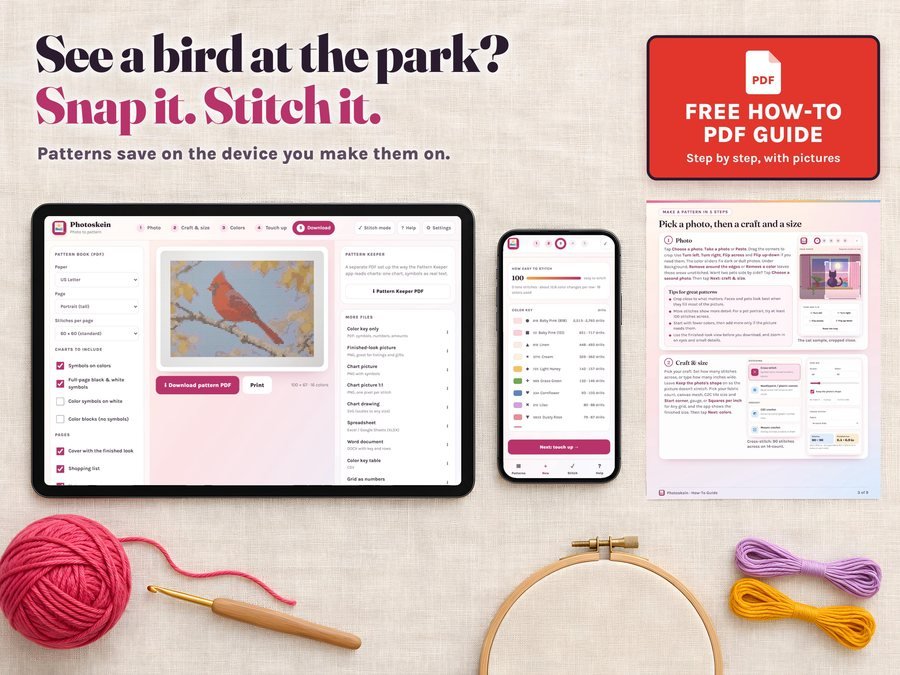
Choose a photo, take one, or paste one, then crop it close to what matters.

Cross-stitch, crochet, knitting and more from the same photo, with as many colors as the picture needs.
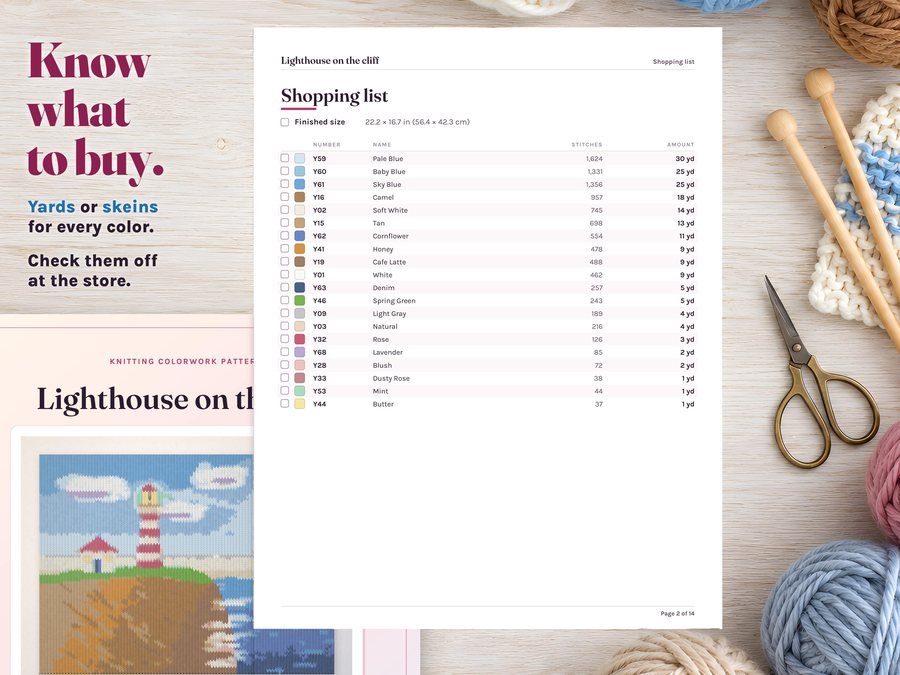
A print-ready pattern PDF with a shopping list, the color key and the chart pages.
See how to turn one photo into a cross-stitch pattern in Photoskein, start to finish: photo, craft and size, colors, touch up and the pattern PDF.
Plus the free how-to PDF guide comes with your purchase.
Patterns you make are yours to stitch, give as gifts and sell. Your designer name, logo and copyright line go on the pages, and there's no app watermark.
Photoskein doesn't have reviews yet.
Our Etsy shop has 150 reviews with a 4.8-star average.
Read all our reviews on Etsy →Yes. Choose a photo, take one or paste one, crop it, pick Cross-stitch and how many stitches across, and Photoskein makes the chart, the color key and the pattern PDF.
Cross-stitch, needlepoint and plastic canvas, C2C crochet, mosaic crochet, graphgan and single crochet, tapestry, filet and Tunisian crochet, knitting colorwork (duplicate stitch too), diamond painting, fuse beads and any grid.
Yes. The color key shows how much thread or yarn you need per color, and the counts of drills or beads. Your own gauge changes the yarn amount, so make a swatch.
Yes. It works in your web browser on iPhone, iPad, Android and computers, and keeps working offline once it's open.
No. It turns your own photo into a chart with math; it doesn't draw or invent a picture.
Yes. Patterns you make are yours to stitch, give as gifts and sell. Your designer name, logo and copyright line go on the pages, and there's no app watermark.
No. Your photos never leave your device, and there's no account.
No. Pay once: no monthly fee and no account.
It's a digital download. After you buy on Etsy, open Purchases in a web browser and click Download Files, then open the guide PDF and tap your private app link.
More for makers who sell what they make.
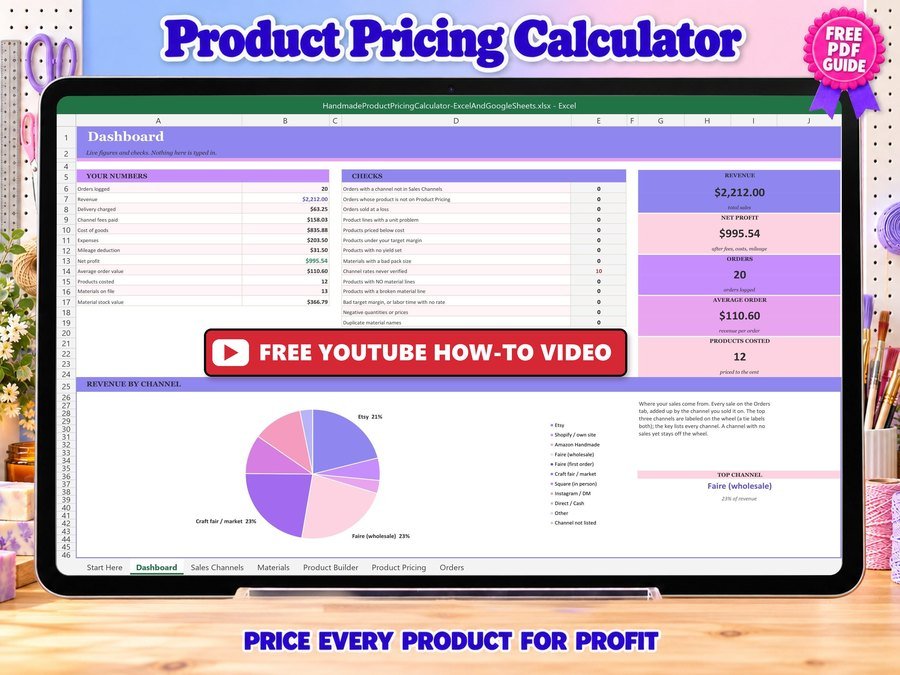
Price your handmade products for profit
Buy direct · $12.99or on Etsy · $14.99See it on Smart Tools
Turn your drawings into seamless patterns for tumblers, fabric and print-on-demand
Buy on Etsy · $19.99See it on Smart Tools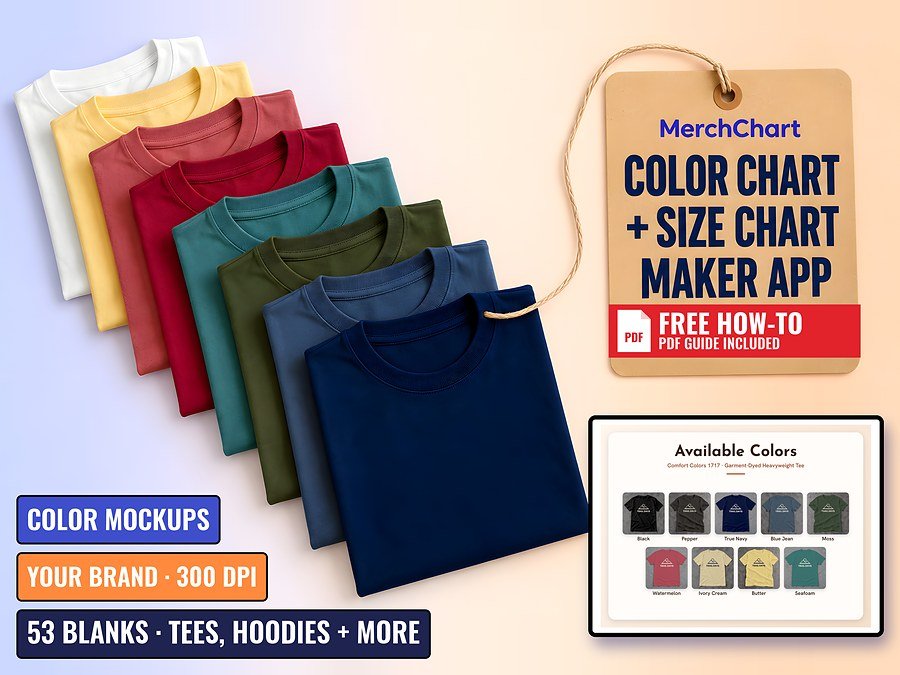
Color charts, color mockups and size charts for your print-on-demand shirt listings, in your own brand
Buy on Etsy · $19.99See it on Smart ToolsQuestions before you buy? Send us a message. Lost your download link? Message us.