
Dashboard
Open tasks, done, overdue, due in the next 7 days, % complete and hours left, plus workload per person, project progress and the next 8 tasks due.
Type your tasks once, every view fills itself in
A project management spreadsheet and task tracker for Excel and Google Sheets. Type your projects and tasks once, and the Dashboard, Kanban board, Gantt chart, Priority Matrix, weekly plan and monthly calendar fill in by themselves.
$10.99 one time, buy direct
Instant download: the spreadsheet (.xlsx) and the free 8-page How-To Quick Start Guide (PDF), right after you pay.
Buy on Etsy · $12.9935% off on Etsy: code SAVE35
Open tasks, done, overdue, due in the next 7 days, % complete and hours left, plus workload per person, project progress and the next 8 tasks due.
Up to 30 projects and room for 1,000 tasks, with owner, priority, status, start and due dates, estimated hours and notes.
Every task as a card in To Do, In Progress, Waiting or Done, with a priority color edge. Change a status and the card moves.
Every task as a bar on a 12-week timeline, colored by status, with late tasks in red and today highlighted.
Open tasks sorted into Do first, Schedule, Delegate and Drop from Urgent and Important.
Up to 30, from every day to every year, with the next due date worked out for you.
Each day's tasks for any week you pick, and the month at a glance with every task on its due date.
Add your team on Start Here and pick the day your week starts, Monday or Sunday.
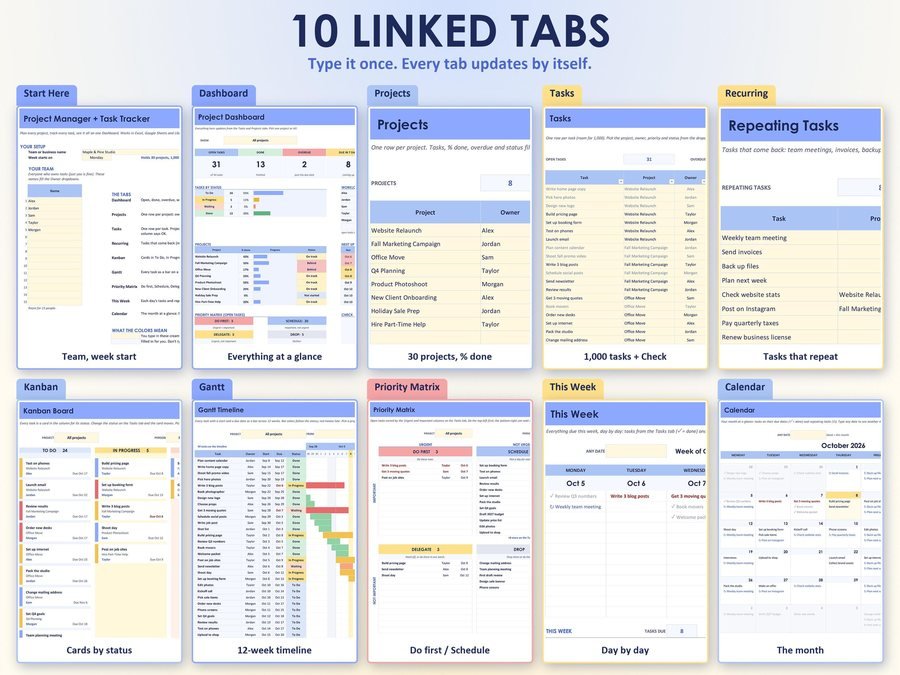
Your team on Start Here, then your projects: up to 15 people and 30 projects.
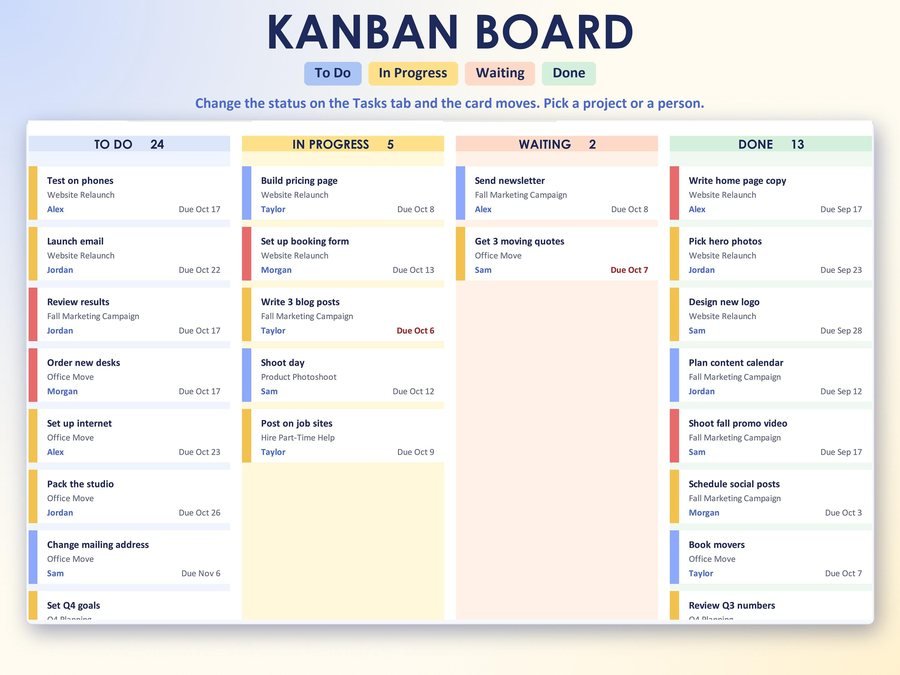
Change a status on the Tasks tab and the card moves on the Kanban board.
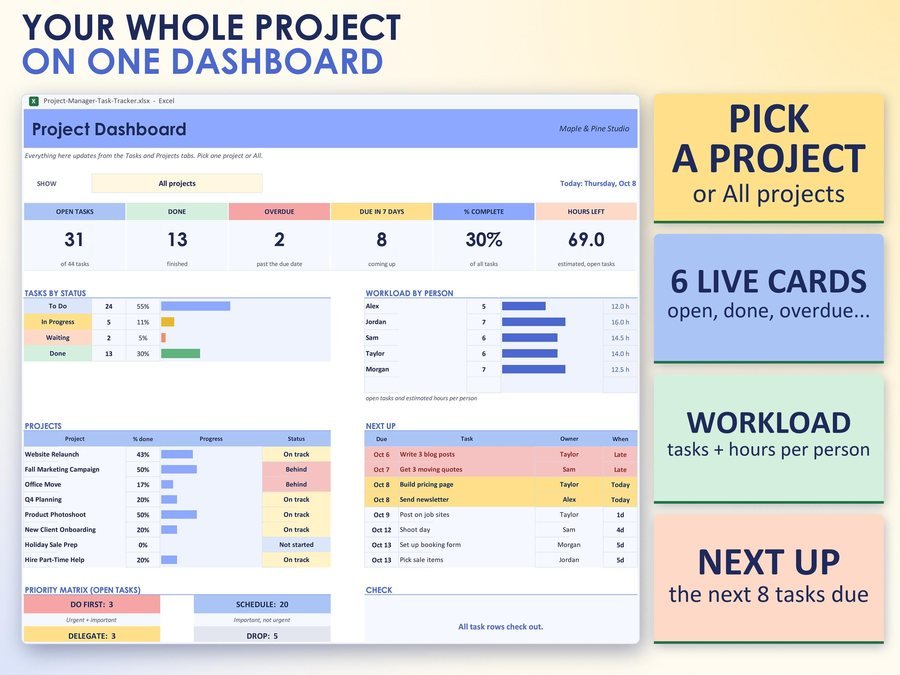
The Dashboard, Gantt chart, Priority Matrix, This Week and Calendar fill in by themselves.
The 2-minute how-to video, start to finish.
Plus the free 8-page how-to PDF guide comes with your purchase.
A Check column on every task row says OK, or tells you what to fix: a missing task name, a missing status, a date typed as words, a due date before the start date, or a project or owner name that isn't on your lists.
The Project Manager Spreadsheet doesn't have reviews yet.
Our Etsy shop has 150 reviews with a 4.8-star average.
Read all our reviews on Etsy →Yes. It works in Microsoft Excel (Windows or Mac), Google Sheets and LibreOffice. No macros, no add-ons, no subscription.
Room for 1,000 tasks, up to 30 projects, up to 30 repeating tasks and up to 15 people.
Yes. Change a status on the Tasks tab and the card moves. Pick a project and a person to focus.
Yes. Every day, weekdays, every week, every 2 weeks, every month, every 3 months or every year, with the next due date worked out for you.
Small businesses, freelancers, teams and busy people who want one simple place to plan the work and see what's next.
The Check column on every task row says OK, or tells you what to fix, and the Tasks tab and the Dashboard show how many rows need a look.
Buy direct and you land on your download page right after you pay, with the spreadsheet and the free how-to PDF guide. On Etsy, open Purchases in a web browser and click Download Files.
Yes. Watch the 2-minute how-to video on this page to see how it works.
More tools to plan the work.
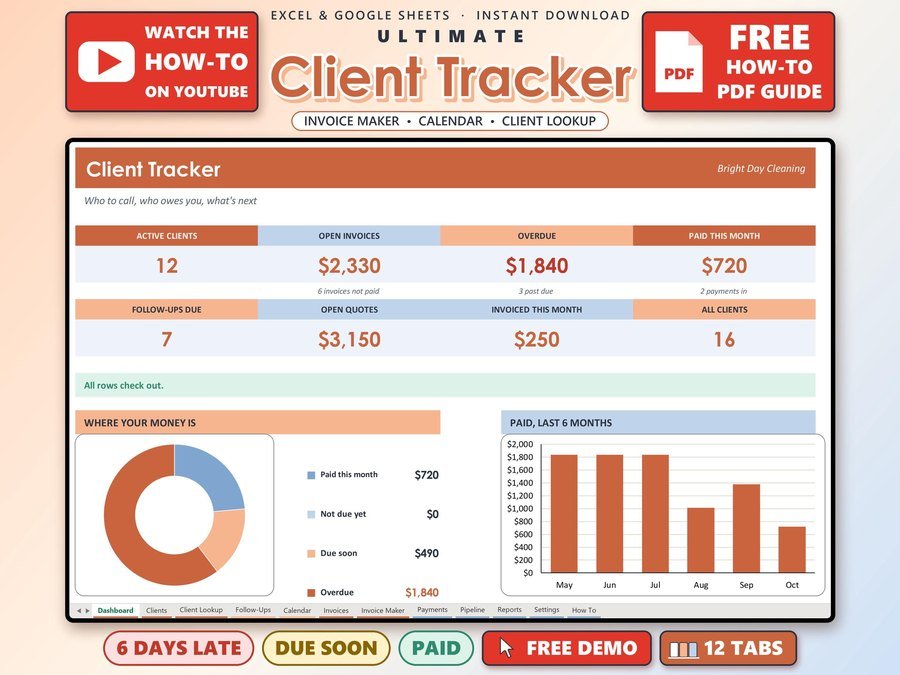
Small business CRM with invoices and payments
Buy direct · $17.00or on Etsy · $19.00See it on Smart Tools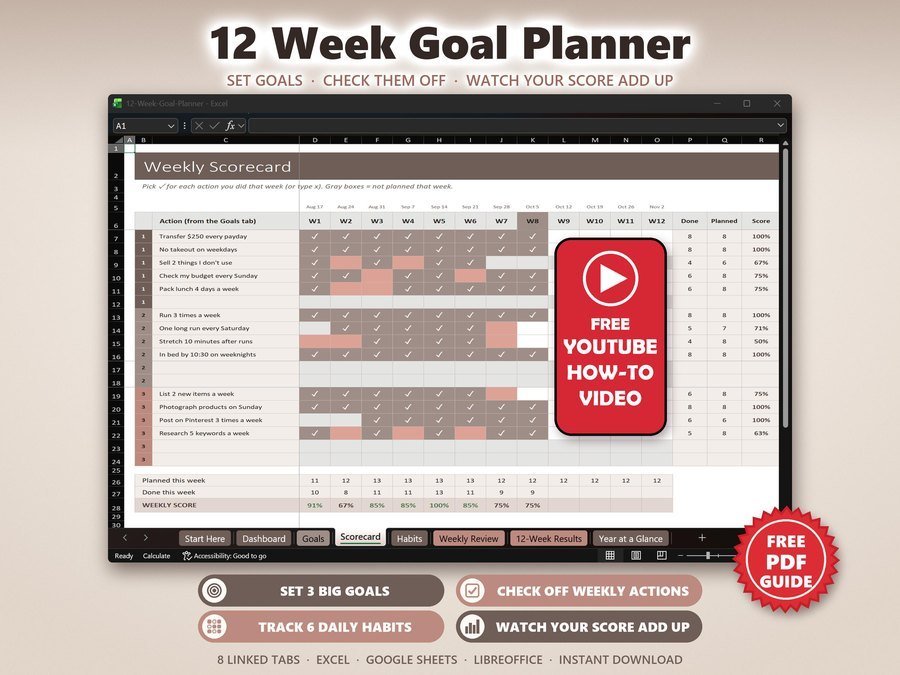
12 week goals, habits and accountability
Buy direct · $7.99or on Etsy · $9.99See it on Smart Tools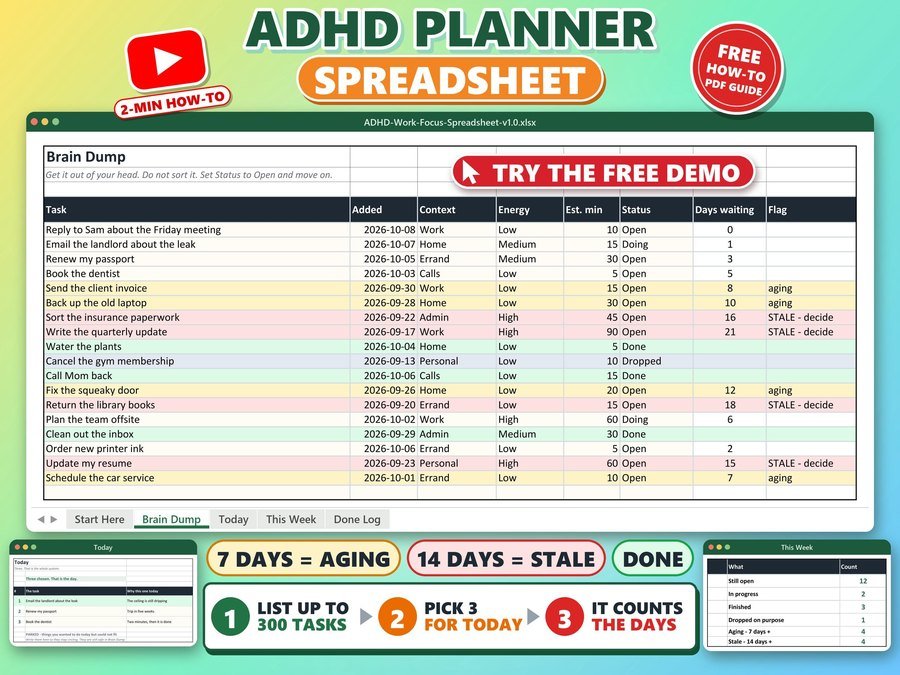
Brain dump, daily to do list, task tracker
Buy direct · $10.99or on Etsy · $12.99See it on Smart ToolsQuestions before you buy? Send us a message. Lost your download link? Message us.