
Covers by ISBN
Type an ISBN and the book's cover pops in. The Cover Gallery shows your books by their covers.
Covers by ISBN, bookshelves, Light + Dark mode
Type an ISBN and the book's cover pops in. Log a book once and your Dashboard, bookshelves, stats, calendar and series fill in by themselves, in Light mode and Dark mode.
$8.99 one time, buy direct
Instant download: the Light and Dark spreadsheets (.xlsx) and the free 12-page Quick Start guide (PDF), right after you pay.
Buy on Etsy · $10.9935% off on Etsy: code SAVE35
Try the free demoType an ISBN and the book's cover pops in. The Cover Gallery shows your books by their covers.
Four bookcases of book spines with cozy stickers, by genre, star rating, year finished or format. A gold band means 5 stars.
Your reading goal and pace, six live cards (books, pages, audio hours, goal pace, average rating, average spice) and books finished per month.
ISBN, title, author, series, genre, format, pages, audio hours, status, dates, half-star rating and spice rating.
Progress bars, pages per day and your estimated finish date, up to 10 books at once.
Daily minutes, reading streaks and a 24-prompt reading challenge that ticks itself off.
Up to 30 series with what you own, what you've read and what's next. Up to 50 books to buy or pre-order, with release countdowns.
Meetings, picks, hosts and ratings; a month view of what you finished and started; top authors, longest and shortest books.
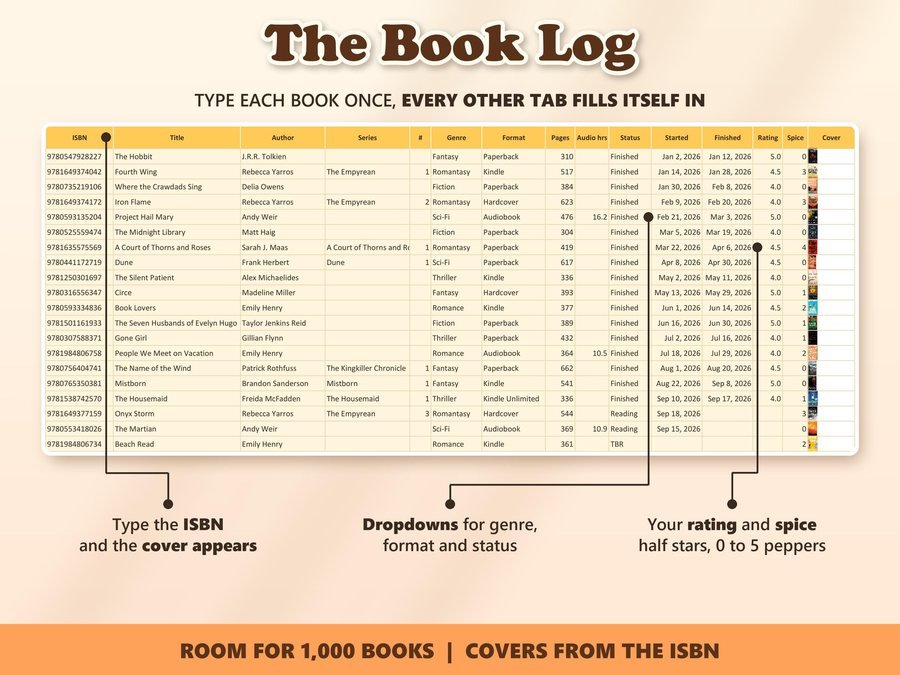
Type the ISBN and the cover appears. Dropdowns for genre, format and status.
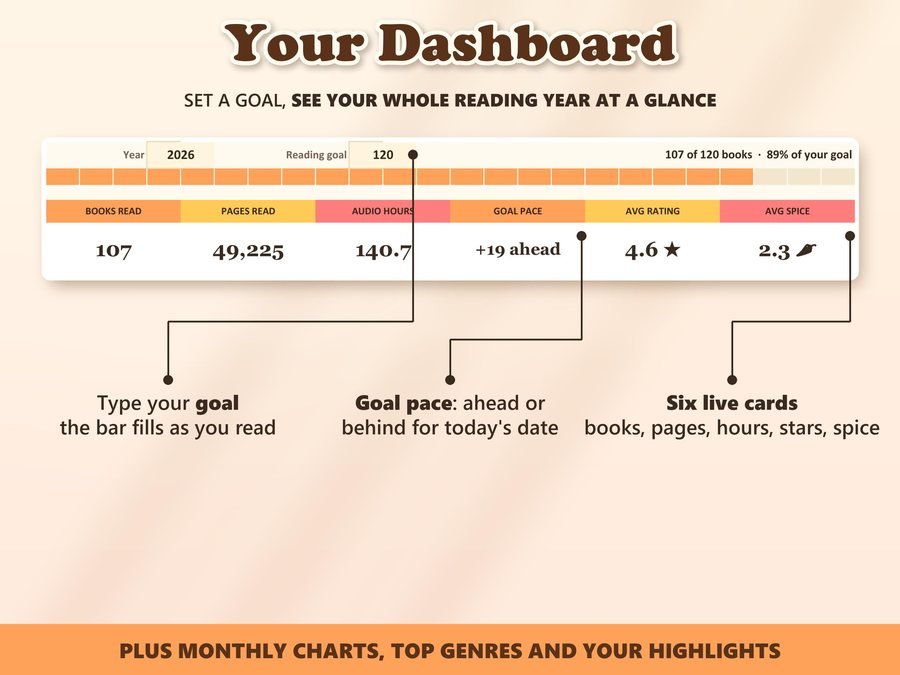
The goal bar fills as you read, and goal pace shows if you're ahead or behind.
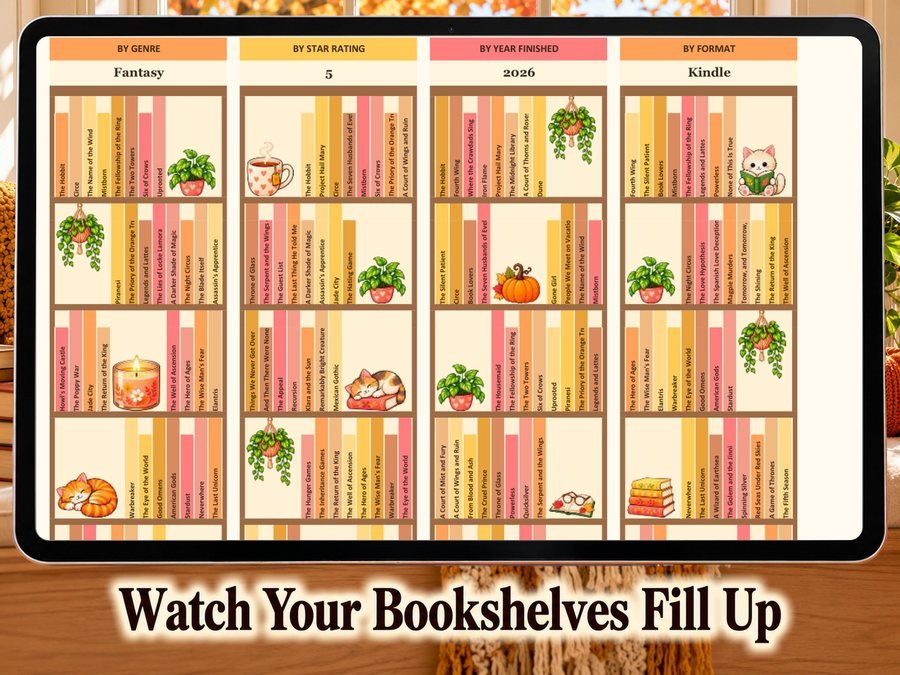
Finished books land on the bookshelves with their titles on the spines.
See the Ultimate Book Tracker set up and in use.
Plus the free 12-page Quick Start guide (PDF) comes with your purchase.
You get the Ultimate Book Tracker in two versions, Light mode and Dark mode: the same tracker, your pick of mood.
The Ultimate Book Tracker Spreadsheet doesn't have reviews yet.
Our Etsy shop has 150 reviews with a 4.8-star average.
Read all our reviews on Etsy →Type the ISBN and the cover pops in. Covers load online, so you need to be online, and a few books don't have one.
Yes. Covers show in Google Sheets after you click Allow access. It also works in Microsoft Excel (covers show in Excel 365) and in LibreOffice Calc, where everything works except the covers.
Nothing but the look. It's the same tracker in two versions, and you get both.
The Book Log has room for 1,000 books. Currently Reading tracks up to 10 at once, the Wishlist up to 50 books and Series up to 30 series.
Yes. Type a new year and the Dashboard, Stats and Calendar switch to it. Your Book Log keeps every book from every year.
Buy direct and you land on your download page right after you pay, with both spreadsheets and the free Quick Start guide. On Etsy, open Purchases in a web browser and click Download Files.
Yes. Try the free demo right in your browser before you buy.
More planners for your year.
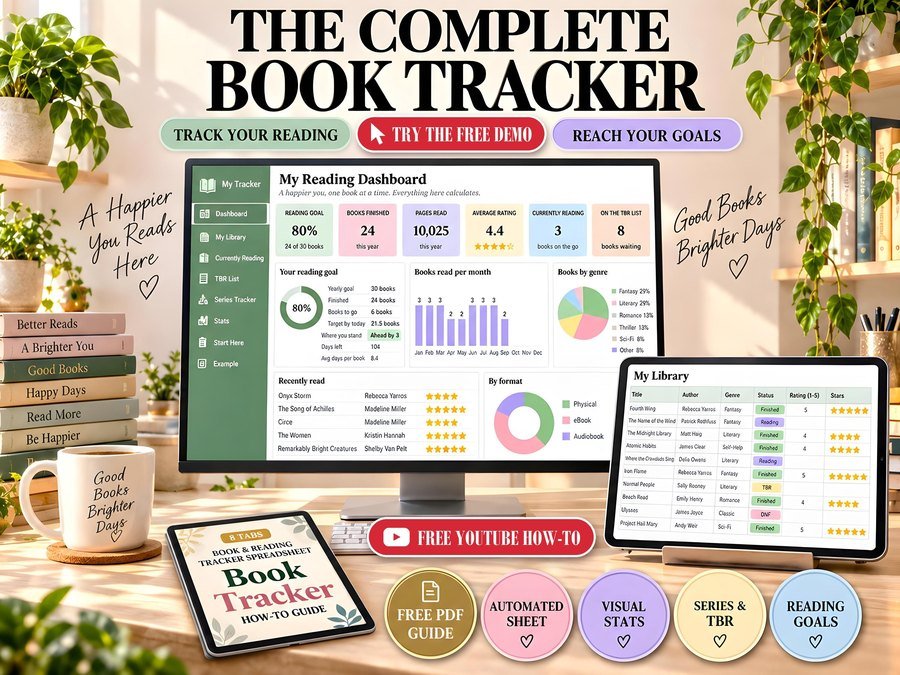
Reading tracker with goals and stats
Buy direct · $10.99or on Etsy · $12.99See it on Smart Tools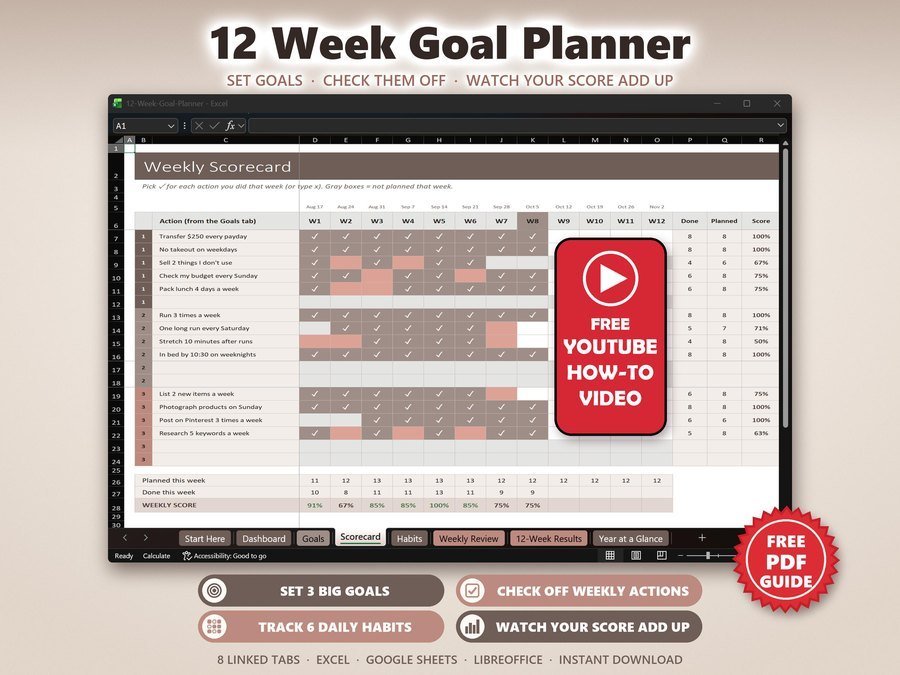
12 week goals, habits and accountability
Buy direct · $7.99or on Etsy · $9.99See it on Smart Tools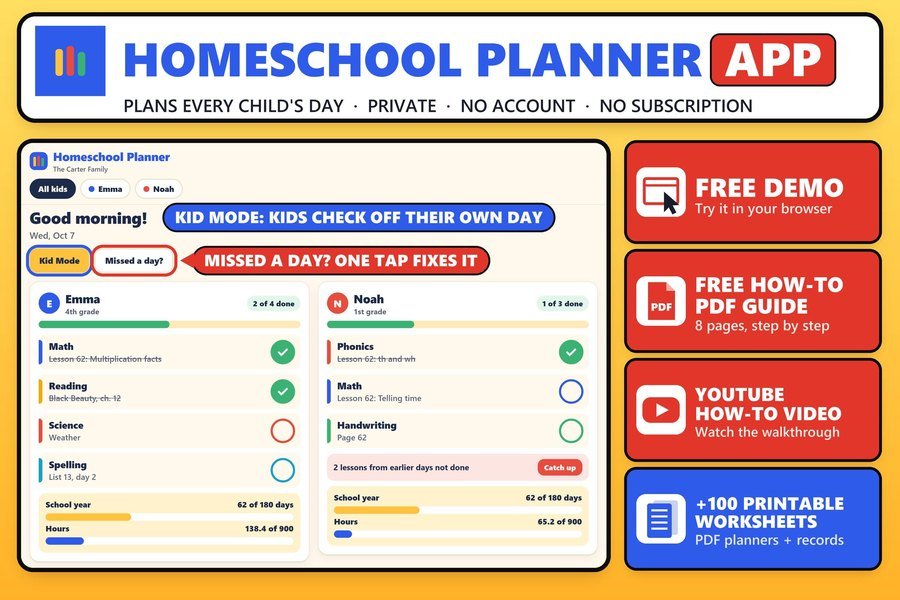
Lesson plans, attendance and records for each child
Buy direct · $14.99or on Etsy · $16.99See it on Smart ToolsQuestions before you buy? Send us a message. Lost your download link? Message us.