
Dashboard
Income, expenses, net profit, profit margin, what to save for taxes, what's still to save, sales tax held and business miles, plus a monthly chart and your top 5 expense categories.
Income, expenses and profit for small business
Know where your business money goes, without learning accounting software. Log what comes in and what goes out, and it works out your profit, your monthly Profit & Loss and what to set aside for taxes.
$15.99 one time, buy direct
Instant download: the spreadsheet (.xlsx) and the free 8-page Quick Start Guide (PDF), right after you pay.
Buy on Etsy · $17.9935% off on Etsy: code SAVE35
Try the free demoIncome, expenses, net profit, profit margin, what to save for taxes, what's still to save, sales tax held and business miles, plus a monthly chart and your top 5 expense categories.
One row per payment, with client, category and payment method. Sales tax collected gets its own column, so it never counts as income.
One row per purchase or bill, with a Tax deductible? Yes/No column and a Receipt saved check mark.
One row per business trip. Check round trip and the miles double. The deduction uses your own rate.
Every category, every month, plus the year, with net profit and profit margin.
Each quarter's profit times your set-aside %, what you actually saved, and what's still to save.
Comes with 5 income categories, 17 expense categories and 5 payment methods. Rename, add or delete any of them and the dropdowns update by themselves.
A Check column on every log row flags a missing date, a date typed as words, a date from another year, a missing category or a missing amount.
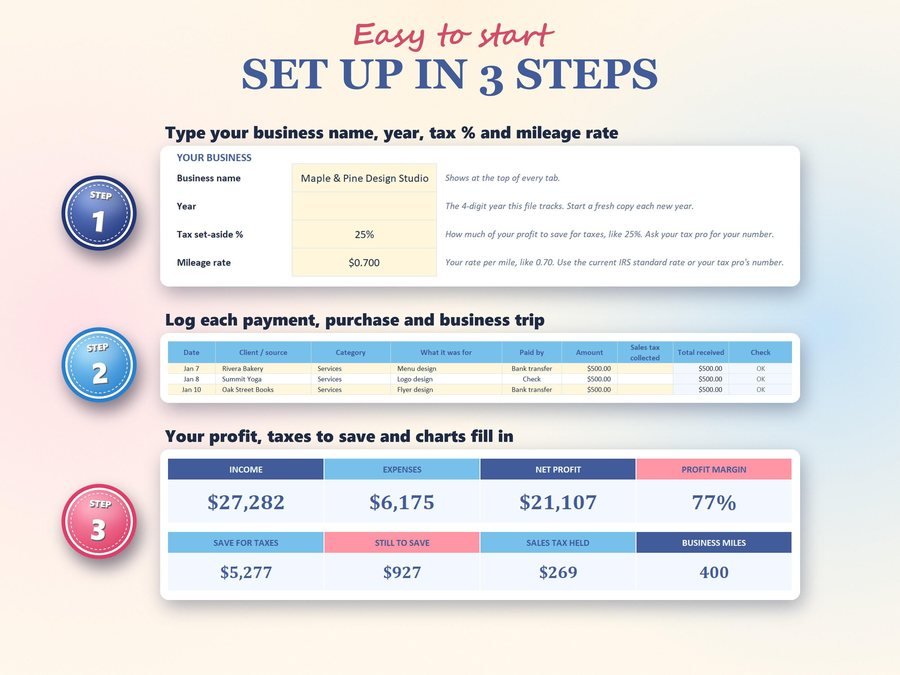
Type your business name, the year, your tax set-aside % and your mileage rate.
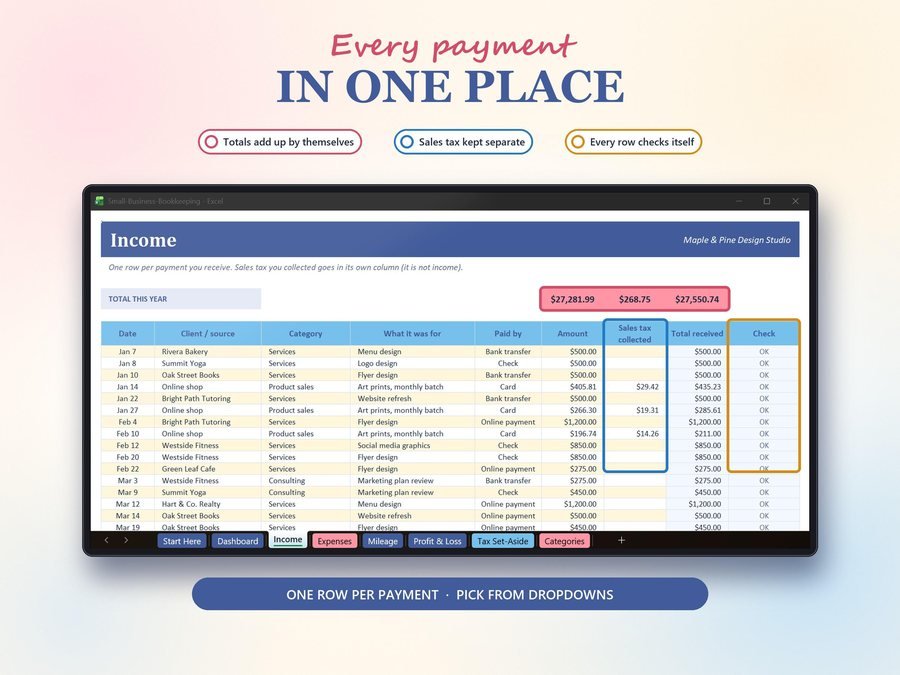
One row per payment, purchase or business trip.
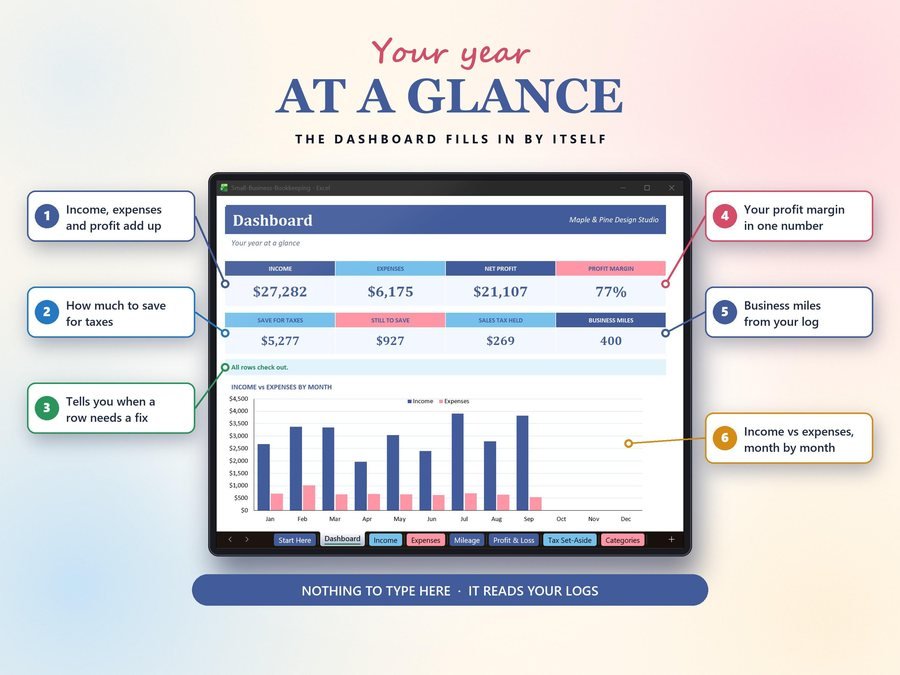
Your profit, Profit & Loss, taxes to save and charts fill in on the Dashboard.
The 2-minute how-to video, start to finish.
Plus the free 8-page Quick Start Guide (PDF) comes with your purchase.
Anyone who wants simple, clear books.
The Bookkeeping Spreadsheet doesn't have reviews yet.
Our Etsy shop has 150 reviews with a 4.8-star average.
Read all our reviews on Etsy →No. Log what comes in and what goes out, and the spreadsheet works out your profit, your monthly Profit & Loss and how much to set aside for taxes.
Yes. Upload it and save it as a Google Sheet. Sheets removes the locks when it imports, so type only in the cream boxes and the log rows. It also works in Microsoft Excel (desktop) and LibreOffice Calc.
Sales tax collected goes in its own column on the Income tab, so it never counts as income. The Dashboard shows the sales tax held.
It shows what to set aside each quarter: profit times your set-aside %. That's a savings guide, not a tax bill, and your tax pro has the final word on what you owe.
Yes. Rename, add or delete any of them and the dropdowns update by themselves, with room for up to 15 income categories, 25 expense categories and 8 payment methods.
One file tracks one year. Start a fresh copy for each new year.
Buy direct and you land on your download page right after you pay, with the spreadsheet and the free Quick Start Guide. On Etsy, open Purchases in a web browser and click Download Files.
Yes. Try the free demo right in your browser before you buy.
More tools for your small business.
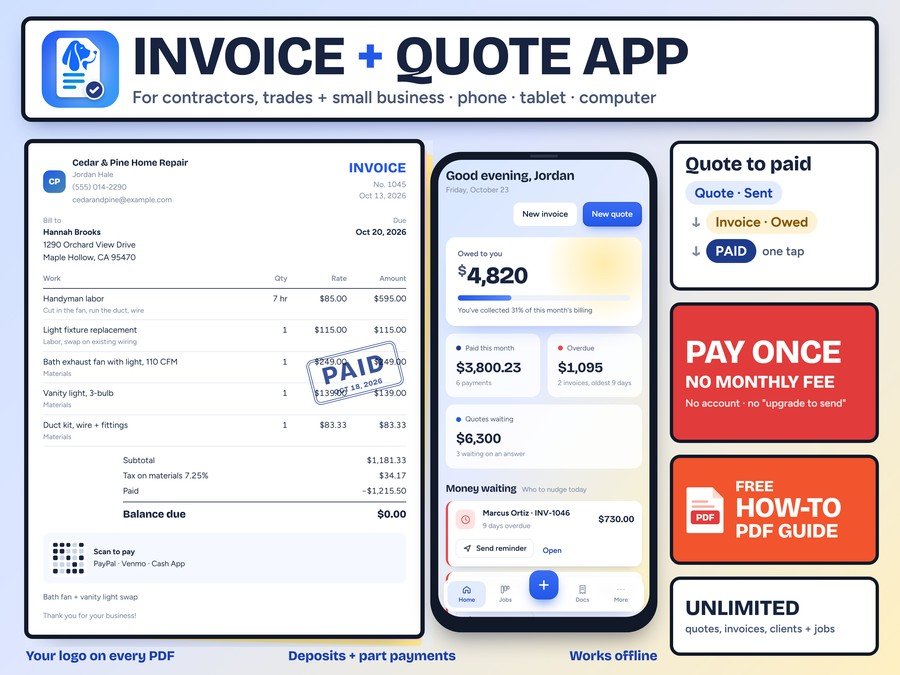
Pro quotes and invoices on your phone, every job from lead to paid, and who still owes you. Pay once, no monthly fee
Buy direct · $17.99or on Etsy · $19.99See it on Smart Tools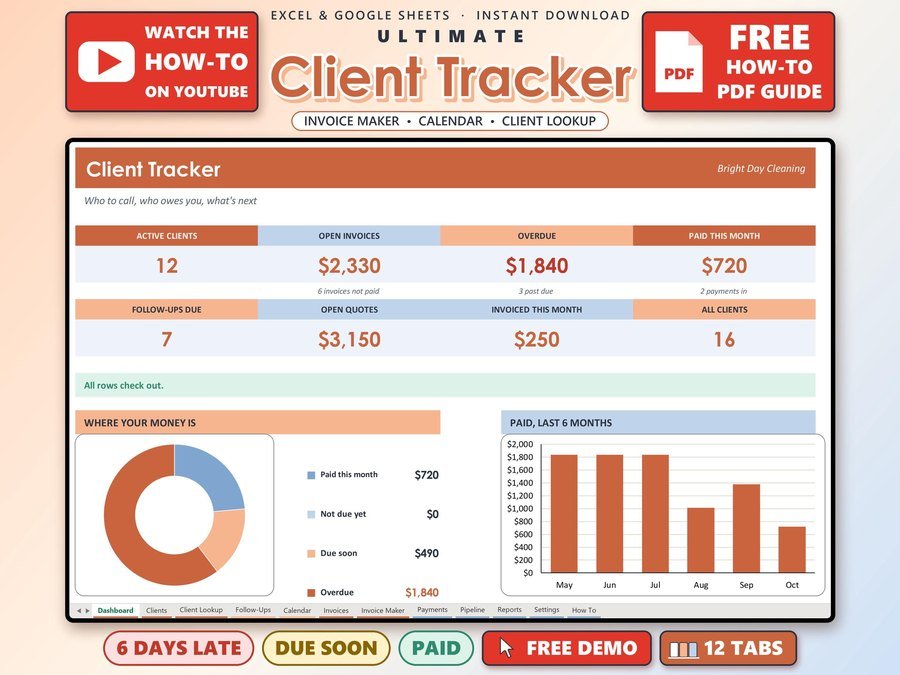
Small business CRM with invoices and payments
Buy direct · $17.00or on Etsy · $19.00See it on Smart Tools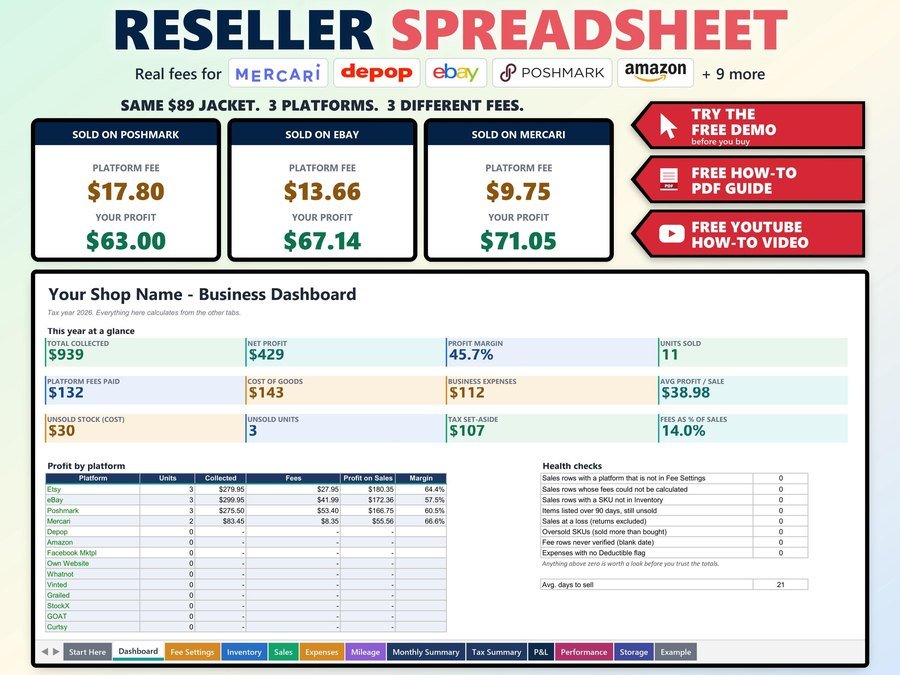
Inventory + profit for eBay, Poshmark and Mercari
Buy direct · $12.99or on Etsy · $14.99See it on Smart ToolsQuestions before you buy? Send us a message. Lost your download link? Message us.