
Real fees for 14 marketplaces
Each platform on its own rules: Etsy, eBay, Poshmark, Mercari, Depop, Amazon, Facebook Marketplace, Whatnot, Vinted and more, plus your own website.
Inventory, real fees and profit for resellers
Know what every sale actually earned you, after the platform took its cut. Inventory, sales, real fees for 14 marketplaces, profit and storage in one Excel and Google Sheets file.
$12.99 one time, buy direct
Instant download: the spreadsheet (.xlsx) and the free 8-page how-to PDF guide, right after you pay.
Buy on Etsy · $14.9935% off on Etsy: code SAVE35
Try the free demoEach platform on its own rules: Etsy, eBay, Poshmark, Mercari, Depop, Amazon, Facebook Marketplace, Whatnot, Vinted and more, plus your own website.
Enter a SKU and a platform: the name, cost, every fee, profit, category and brand fill in. Ship Date, Carrier and Tracking # columns too.
Category dropdown, brand, storage location, days listed and sell-through.
Your year at a glance, profit by platform and two charts. A mistyped platform name can never quietly become $0.00 in fees.
Twelve months across, every expense broken out. It checks itself against the Monthly Summary and reads OK when they agree.
Units, revenue, profit, margin, days to sell and sell-through by category and by brand, plus a plain answer to what you should buy more of.
Type a SKU to see the item, its bin or shelf, how many are left and its status. A check flags any stock with no location.
400 expense rows with a tax-deductible flag, 200 mileage trips, and a quarterly set-aside estimate with the usual US due dates.
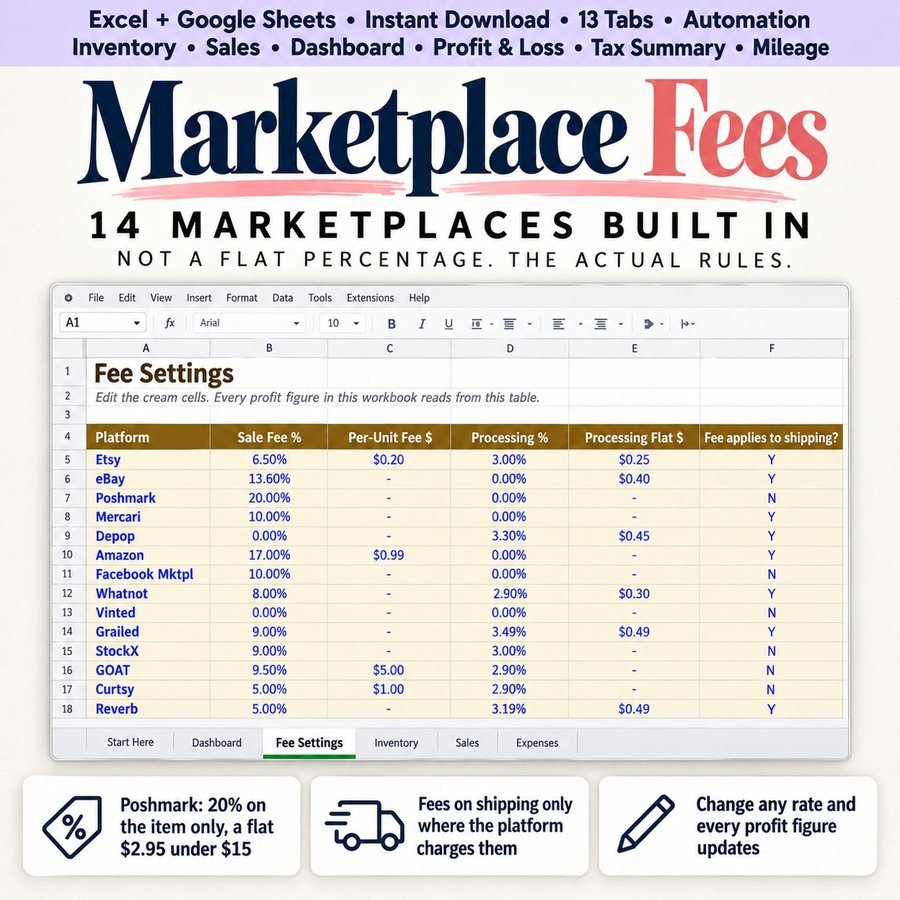
Every rate is a cell you can edit, with the date it was last checked.
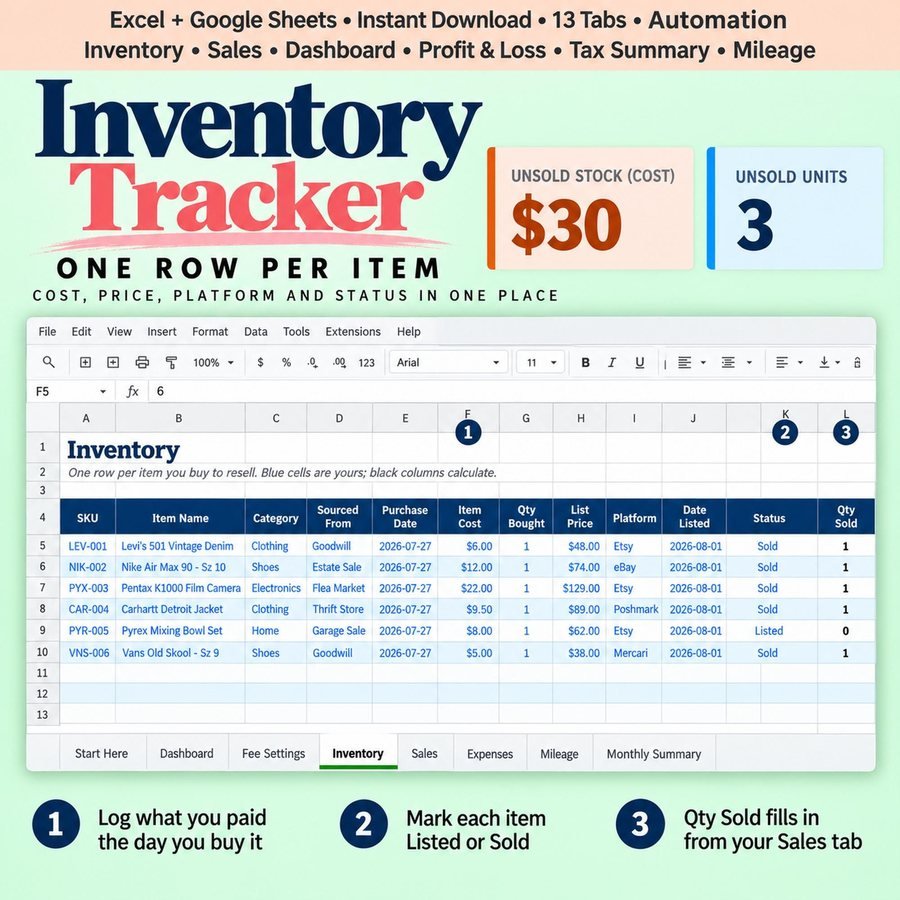
One row per item you buy, with its cost, brand, category and storage spot.
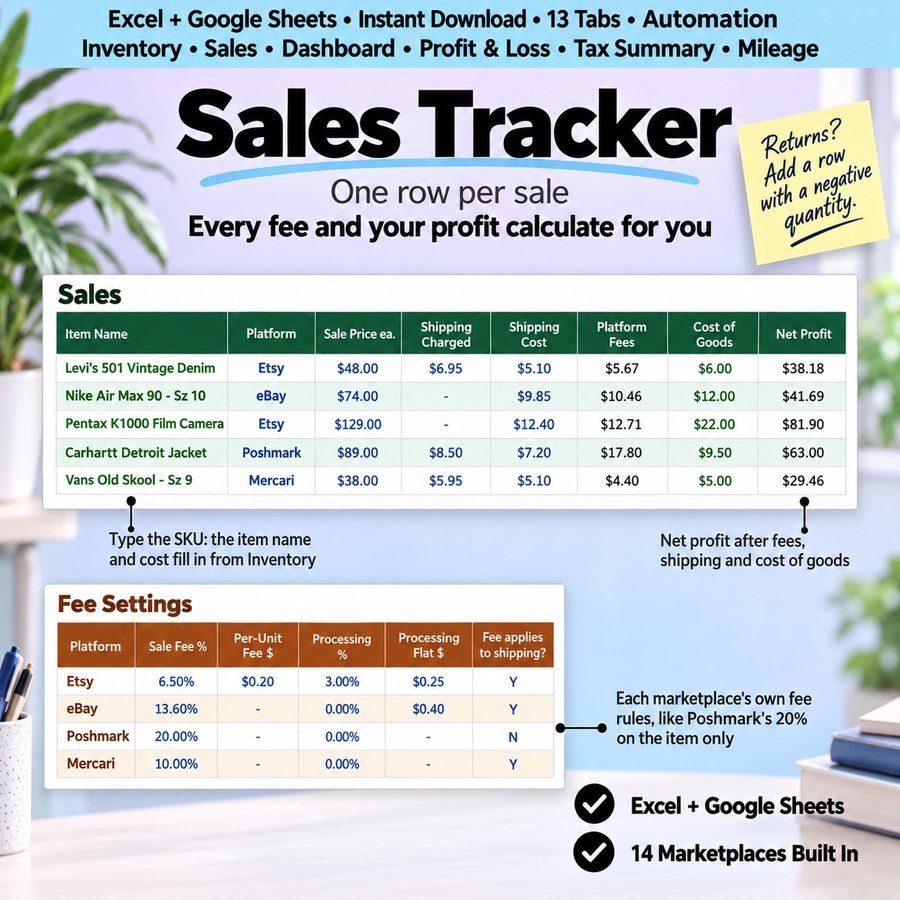
Type the SKU and the platform. Every fee and your profit calculate for you.
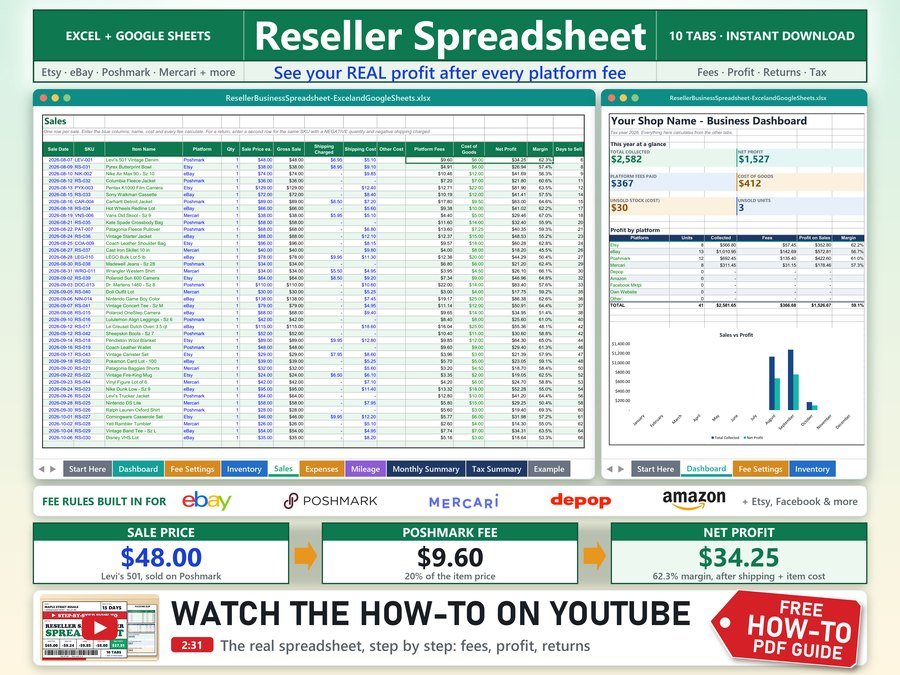
The 2-minute how-to video, start to finish.
Plus the free 8-page how-to PDF guide comes with your purchase.
Enter a return as a second row with a negative quantity. Every fee reverses, including flat fees, the item goes back into stock, and the return isn't counted as a loss.
The Reseller Spreadsheet doesn't have reviews yet.
Our Etsy shop has 150 reviews with a 4.8-star average.
Read all our reviews on Etsy →Yes. It works in Microsoft Excel, Google Sheets and LibreOffice Calc, and all three are tested. Google Sheets removes sheet protection on import, so the formulas aren't locked there.
Etsy, eBay, Poshmark, Mercari, Depop, Amazon, Facebook Marketplace, Whatnot, Vinted, Grailed, StockX, GOAT, Curtsy and Reverb, plus your own website and a blank row for anywhere else.
Because each platform has its own rules. Poshmark excludes shipping, eBay includes it and Facebook has a minimum fee, so a single percentage gets all three wrong.
Add a second row with a negative quantity. Every fee reverses, the item goes back into stock, and it isn't counted as a loss.
600 inventory items, 600 sales, 400 expenses and 200 mileage entries.
No. It's a budgeting estimate using a rate you choose. Confirm what you actually owe with an accountant.
Buy direct and you land on your download page right after you pay, with the spreadsheet and the free how-to PDF guide. On Etsy, open Purchases in a web browser and click Download Files.
Yes. Try the free demo right in your browser before you buy.
More tools for selling online.
Sales and profit calculator with real eBay and Poshmark fees
Buy direct · $10.99or on Etsy · $12.99See it on Smart Tools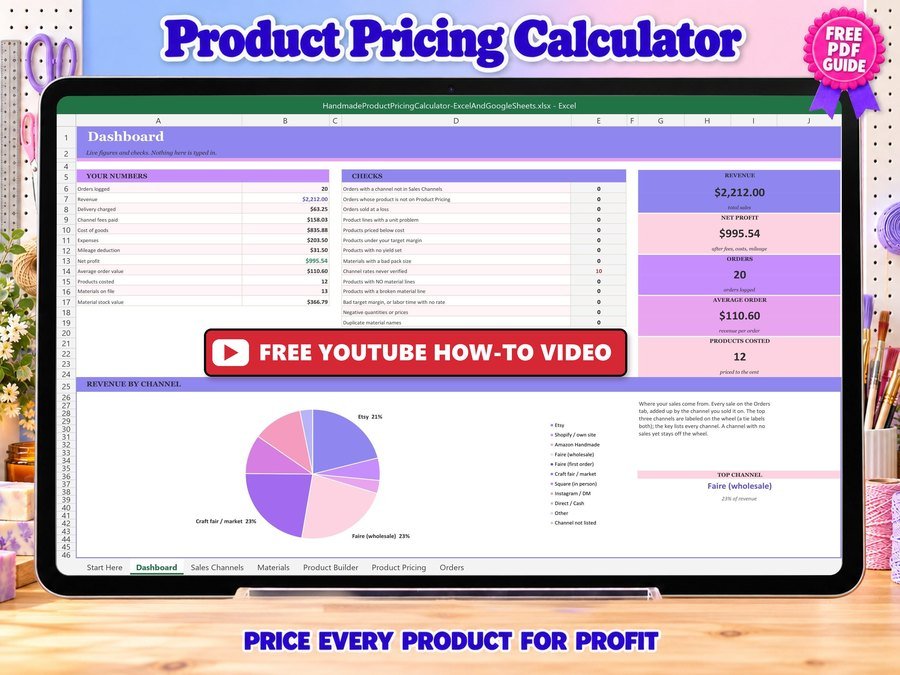
Price your handmade products for profit
Buy direct · $12.99or on Etsy · $14.99See it on Smart Tools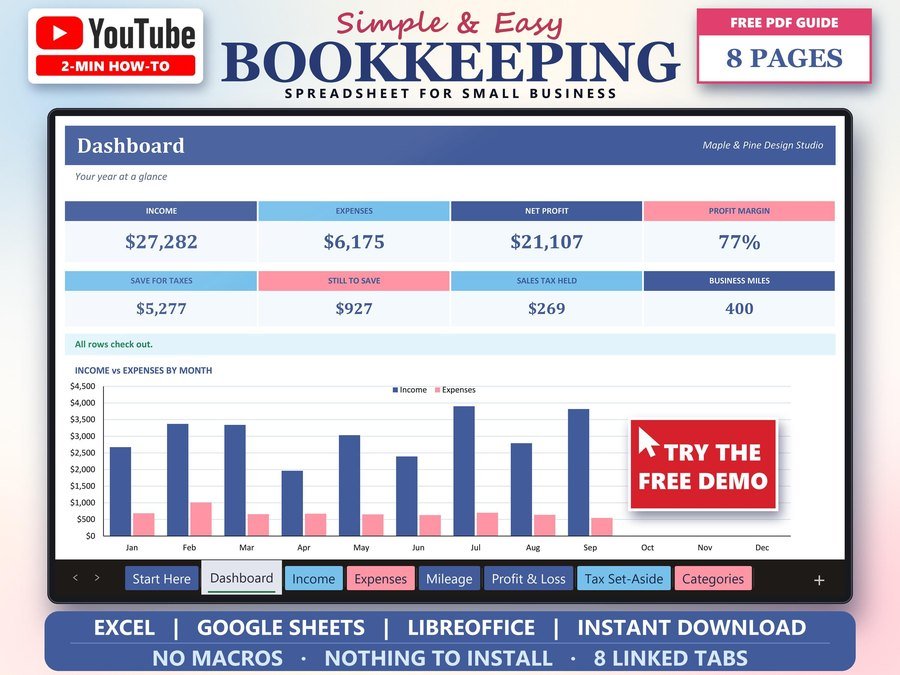
Income, expenses and profit for small business
Buy direct · $15.99or on Etsy · $17.99See it on Smart ToolsQuestions before you buy? Send us a message. Lost your download link? Message us.