
Your credential's rules
Pick BCBA or BCaBA and the rules fill in: BCBA 2,000 supervised or 1,500 concentrated hours, BCaBA 1,300 or 800.
BCBA and BCaBA fieldwork hours, checked every month
Log each session once. Every month is checked against the fieldwork rules for your credential, BCBA or BCaBA, with a plain note that says why and what's needed.
$17.99 one time, buy direct
Instant download: the spreadsheet (.xlsx) and the free 8-page how-to PDF guide, right after you pay.
Buy on Etsy · $19.9935% off on Etsy: code SAVE35
Pick BCBA or BCaBA and the rules fill in: BCBA 2,000 supervised or 1,500 concentrated hours, BCaBA 1,300 or 800.
20 to 160 hours, the supervision percentage, group supervision no more than half, client observation minutes and the signed Monthly Fieldwork Verification Form.
Counts, Counts once signed, In progress or Doesn't count, with a plain note that says why and what's needed.
When a supervised month misses the supervision percentage, it's trimmed the way the BACB Handbook describes, and you see exactly how many hours still count.
Room for 2,500 sessions, supervision meetings and observations, one row per session.
Hours that count, hours still needed, unrestricted share so far, your 5-year deadline, a progress bar, a finish-date forecast and this month's 5-point checklist.
A printable one-page summary for your monthly supervision meeting.
7 plain-language checks that catch typos, missing times, sessions outside your window and months that mix fieldwork types.

Pick BCBA or BCaBA, type your first fieldwork month and list your supervisors.
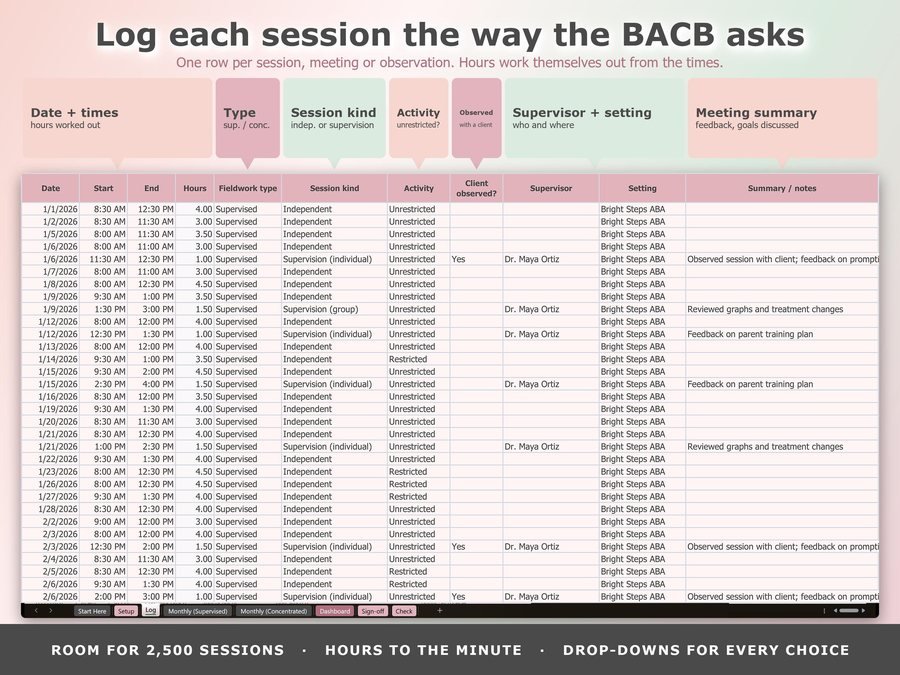
One row per session: date, start and end time, type, session kind, activity and supervisor.
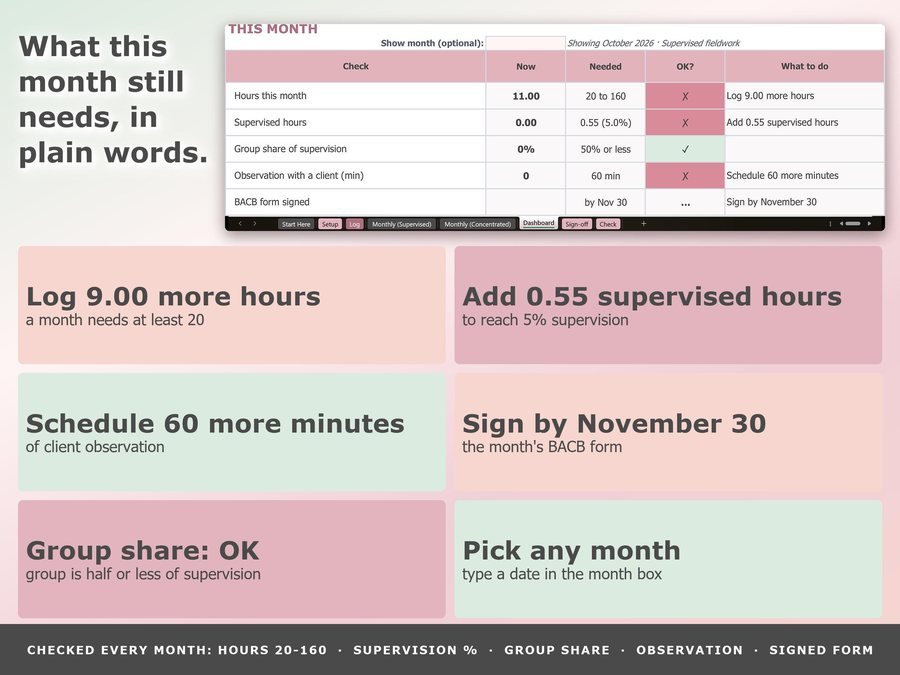
Each month is checked for you. Type the date your supervisor signs, and see what this month still needs.
See how it works before you buy.
Plus the free 8-page how-to PDF guide comes with your purchase, with real screens of the file.
Pick your credential and the rules fill in. Check bacb.com for the current rules before you apply.
The Fieldwork Hours Tracker Spreadsheet doesn't have reviews yet.
Our Etsy shop has 150 reviews with a 4.8-star average.
Read all our reviews on Etsy →Both. Pick your credential on Setup and the rules switch: BCBA 2,000 supervised or 1,500 concentrated hours, BCaBA 1,300 or 800.
20 to 160 hours, the supervision percentage (BCBA 5% supervised, 7.5% concentrated; BCaBA 5% and 10%), group supervision no more than half, client observation minutes (60 a month supervised, 90 concentrated) and the signed Monthly Fieldwork Verification Form.
The tracker trims it the way the BACB Handbook describes and shows exactly how many hours still count, so you can see what one more supervision meeting would save.
One fieldwork type per month. Across months, BCBA trainees may mix: concentrated hours count x 1.33 toward 2,000, as the Handbook says.
No. It isn't made by or connected to the BACB, and it doesn't replace the BACB's own forms or your supervisor's sign-off. Check bacb.com for the current rules before you apply.
Yes. Upload the file and choose File, Save as Google Sheets (the guide shows how). The formulas aren't locked there, so type only in the blush cells, and type the supervisor's name instead of using the drop-down.
Buy direct and you land on your download page right after you pay, with the spreadsheet and the free how-to PDF guide. On Etsy, open Purchases in a web browser and click Download Files.
Yes. Watch the how-to video on this page to see how it works.
Tools to keep your work on track.
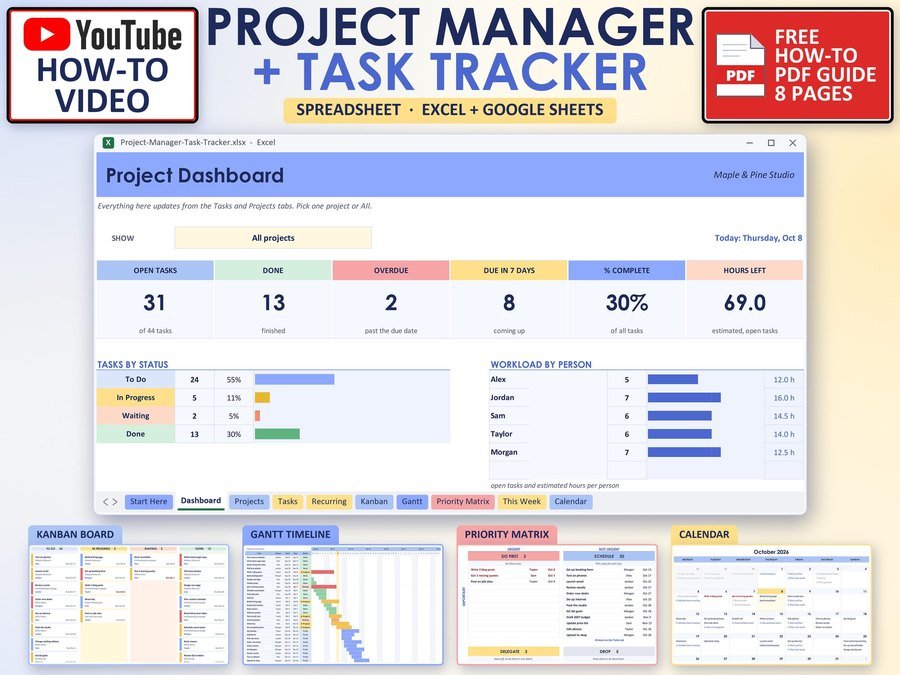
Projects, tasks and deadlines in one place
Buy direct · $10.99or on Etsy · $12.99See it on Smart Tools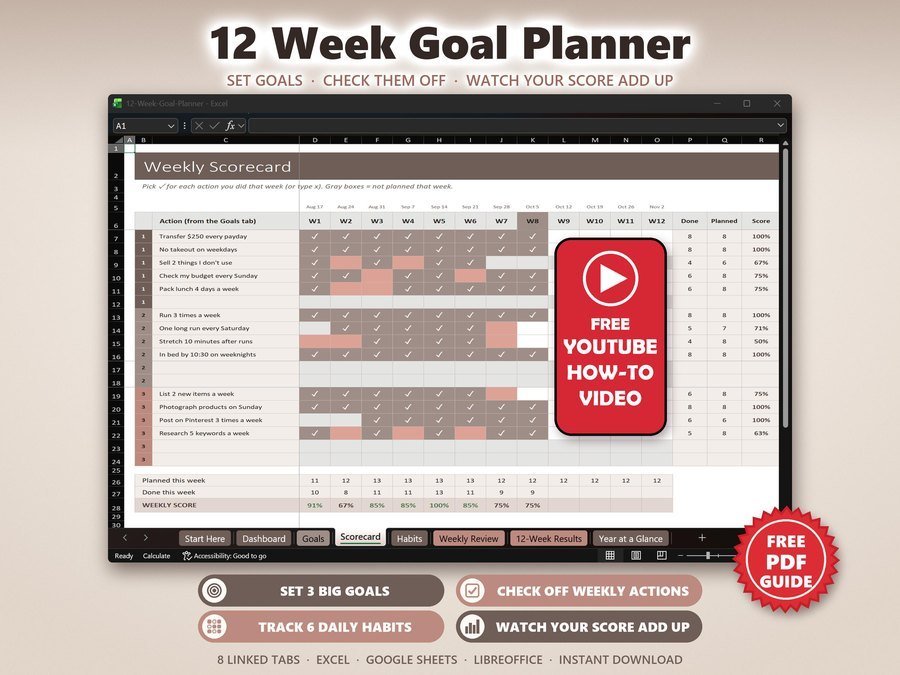
12 week goals, habits and accountability
Buy direct · $7.99or on Etsy · $9.99See it on Smart Tools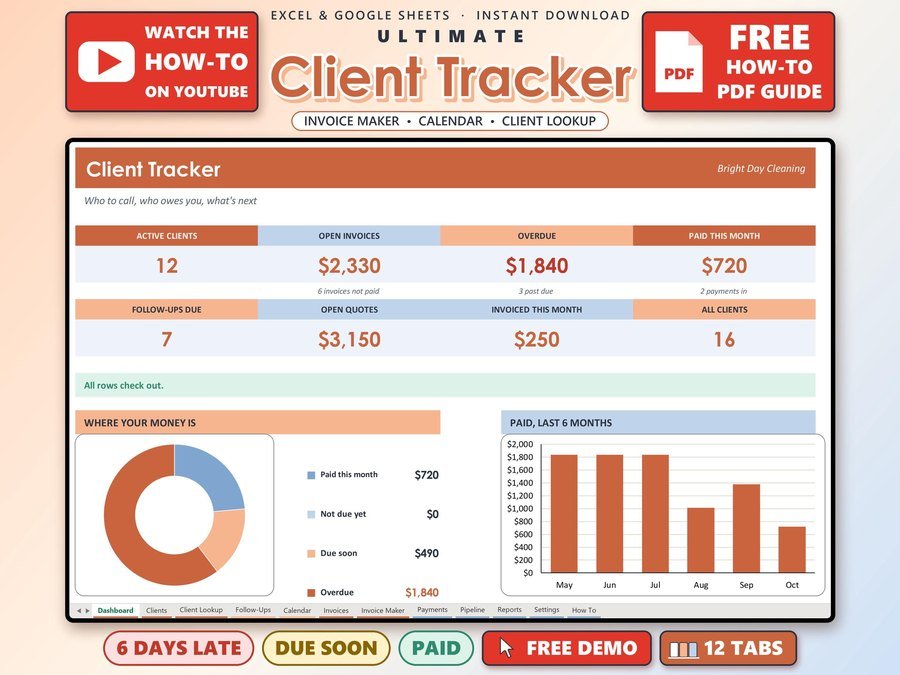
Small business CRM with invoices and payments
Buy direct · $17.00or on Etsy · $19.00See it on Smart ToolsQuestions before you buy? Send us a message. Lost your download link? Message us.